
Picking video marketing tools can eat up your time before you’ve made a single clip. This shortlist focuses on what each tool helps you create, so you can match your workflow to your next campaign.
We analyzed 47 comments from YouTube and Reddit about video marketing tools and found that 47% mentioned single-image-to-video ad creation.
1. Veo Studio
Veo Studio is an independent, browser-based AI video creation tool powered by Google's Veo 3.1 models. Type a prompt or add reference images to create a video with synchronized sound and dialogue. It suits social creators, brand marketers, small businesses, and independent filmmakers who want to shape a scene without downloading an app.
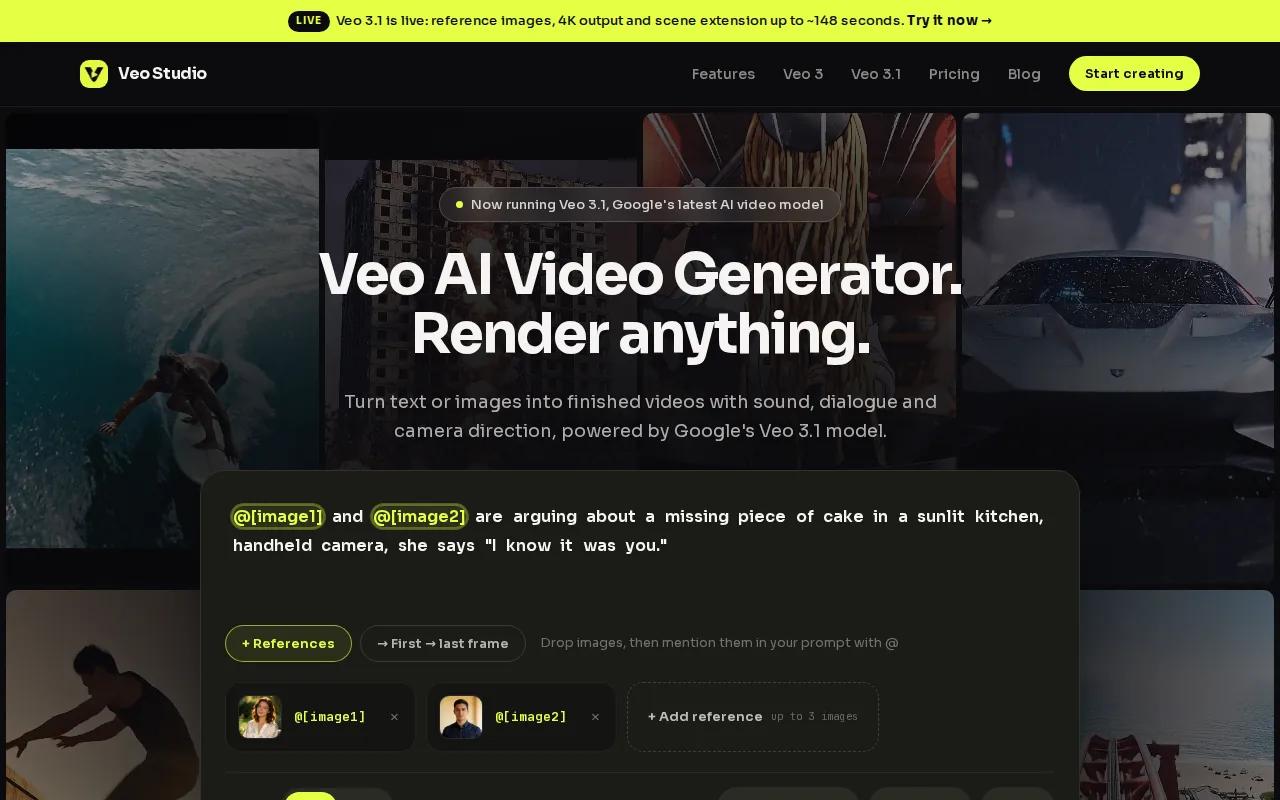
The key fit is control over the scene. Add reference images to guide character or product consistency, set a first and last frame to shape the action between them, or extend a finished scene in steps. Output can reach 4K on supported settings. That gives you room to build a product moment or a short story around specific shots instead of asking a model to invent every detail.
Veo is a video-generation model. Veo Studio is an independent way to work with Veo, not a Google-owned service. Its free plan includes a couple of 720p videos per month without a card; paid plans start at $14 per month and include a commercial license.
If a clip needs a spoken line, put the words in your prompt and describe the speaker’s action. For a product shot, upload a reference image and state the camera move. These details help you direct the draft rather than hope a reroll lands on the same scene. The free allowance is a way to test the workflow before paying.
For a broader look at generation workflows, compare these features with the options in our AI video generator comparison.
2. Runway: For cinematic AI video and visual experimentation
Runway is a cloud-based creative suite for generating and editing video, images, and audio. It’s a fit for filmmakers, visual artists, and creators who want to try cinematic ideas or adjust existing footage in a creative workspace.
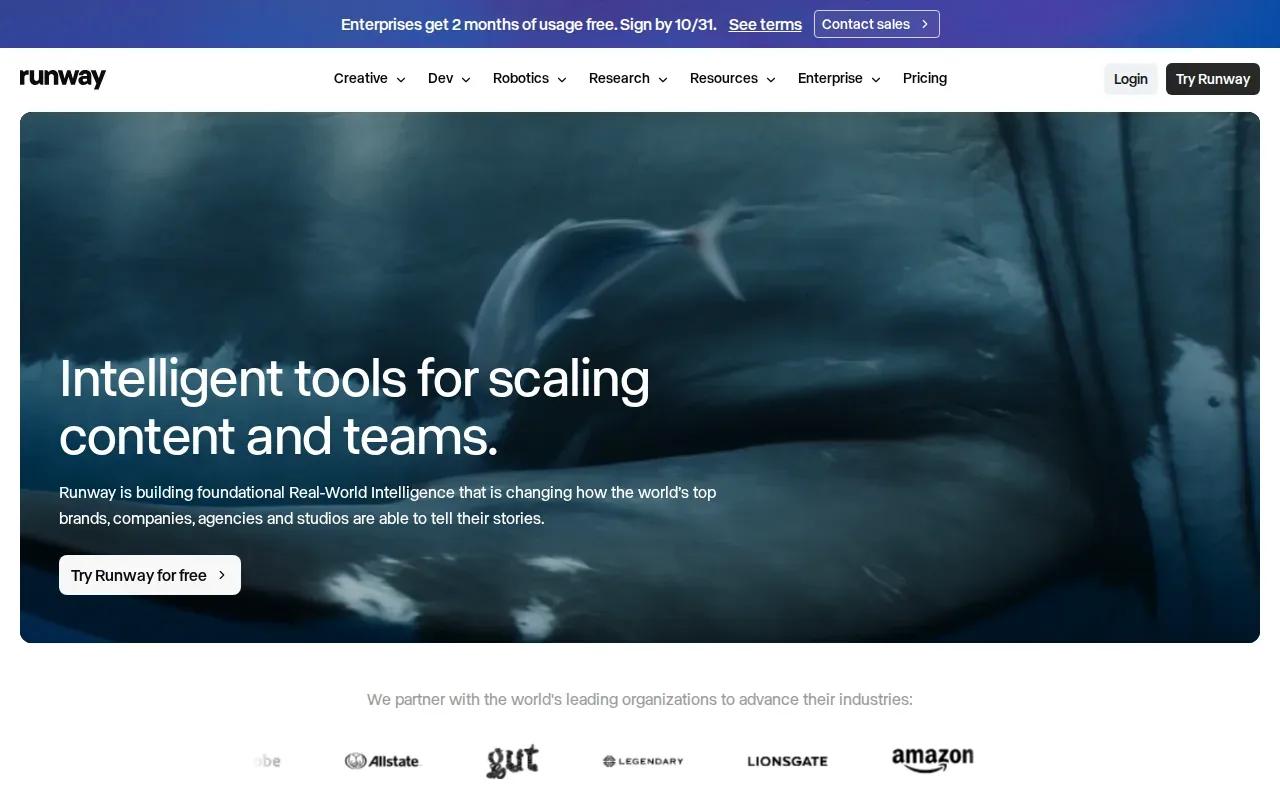
You can start with text, an image, video, or audio. Runway’s product tools also cover tasks such as changing a shot’s lighting, removing an object, restyling a subject, or raising a video’s resolution. That range can help when you have footage worth keeping but need a change to its look or background.
Paid Runway plans include 4K upscaling. Its free tier gives you 125 one-time credits. That’s enough to test a few ideas, but the one-time allowance isn’t a plan for ongoing production.
For instance, a filmmaker could use a text prompt to explore a shot, then refine an existing take by changing its lighting. A creator building a recurring character should test how well a look holds across several shots before committing to it.
Runway also supports custom node-based workflows for chaining models and steps. That may suit a creator who wants to build a repeatable process instead of handling each generation as a separate experiment. If your main need is a spoken, character-stable scene that can be extended, compare its features with Veo Studio before choosing.
3. Synthesia: For avatar-led explainers and multilingual training
Synthesia makes avatar-led videos with scripts, voiceovers, and motion graphics. It suits teams that need a presenter-style explainer or training message without filming a speaker for every update.
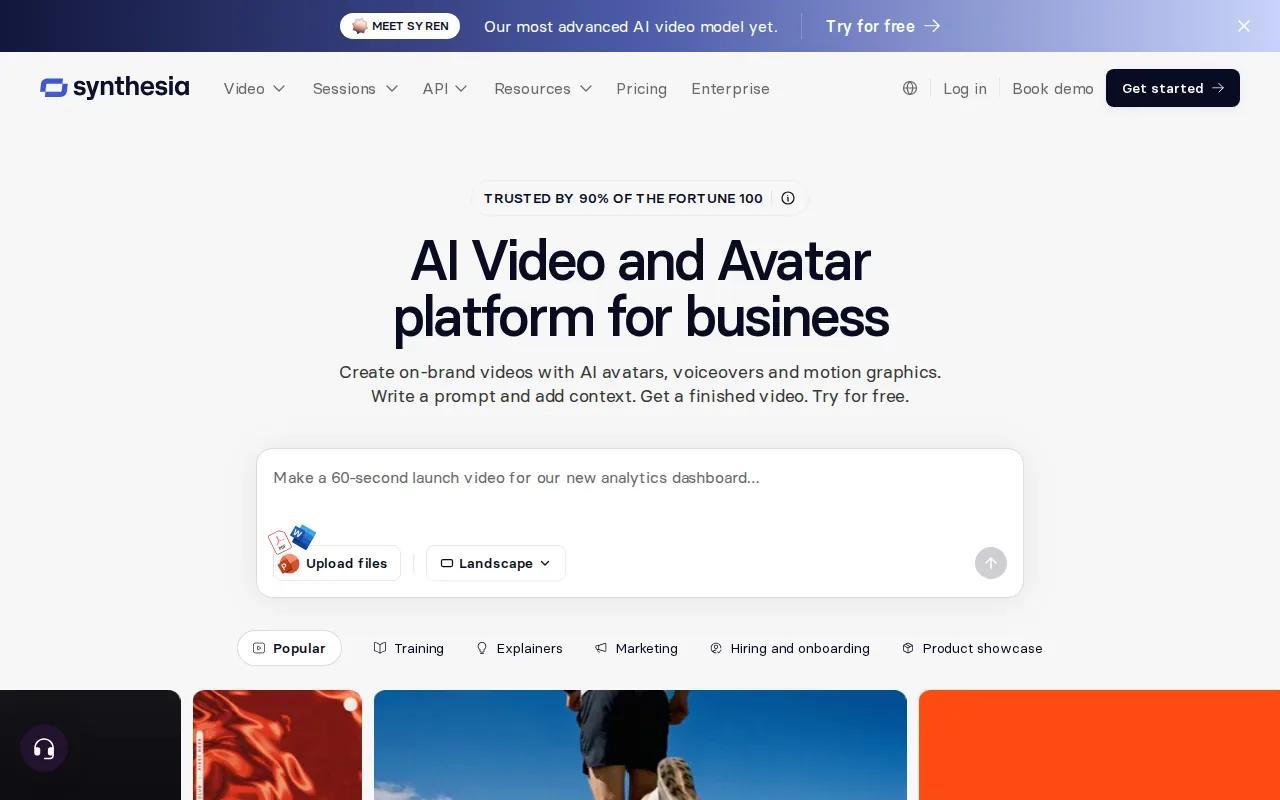
The format is different from a generated scene. You prepare a script, choose an avatar, then build a presenter-led video around the message. That can work for a product walkthrough where viewers need a person to explain a feature, or for internal training that changes as a process changes.
Synthesia offers 240+ AI avatars and 160+ language dubbing. Synthesia has a free Basic plan, with Starter from $19 per month. It’s a better fit for a scripted presenter than for a film-style scene with a speaking character moving through an environment.
Think about the handoff after the video is made. If staff need a clear spoken explanation, an avatar can keep the delivery focused on the script. If your concept depends on a product moving through a scene with dialogue tied to the action, a presenter format may not match the brief.
Keep captions in your review checklist, especially when people may watch with sound off. Check the needs of your audience and the rules that apply to your use case before publishing.
4. Canva: For quick branded social and promotional videos
Canva is a design tool with AI video features. It suits social media managers, small businesses, and design teams that need quick branded videos alongside other visual content.
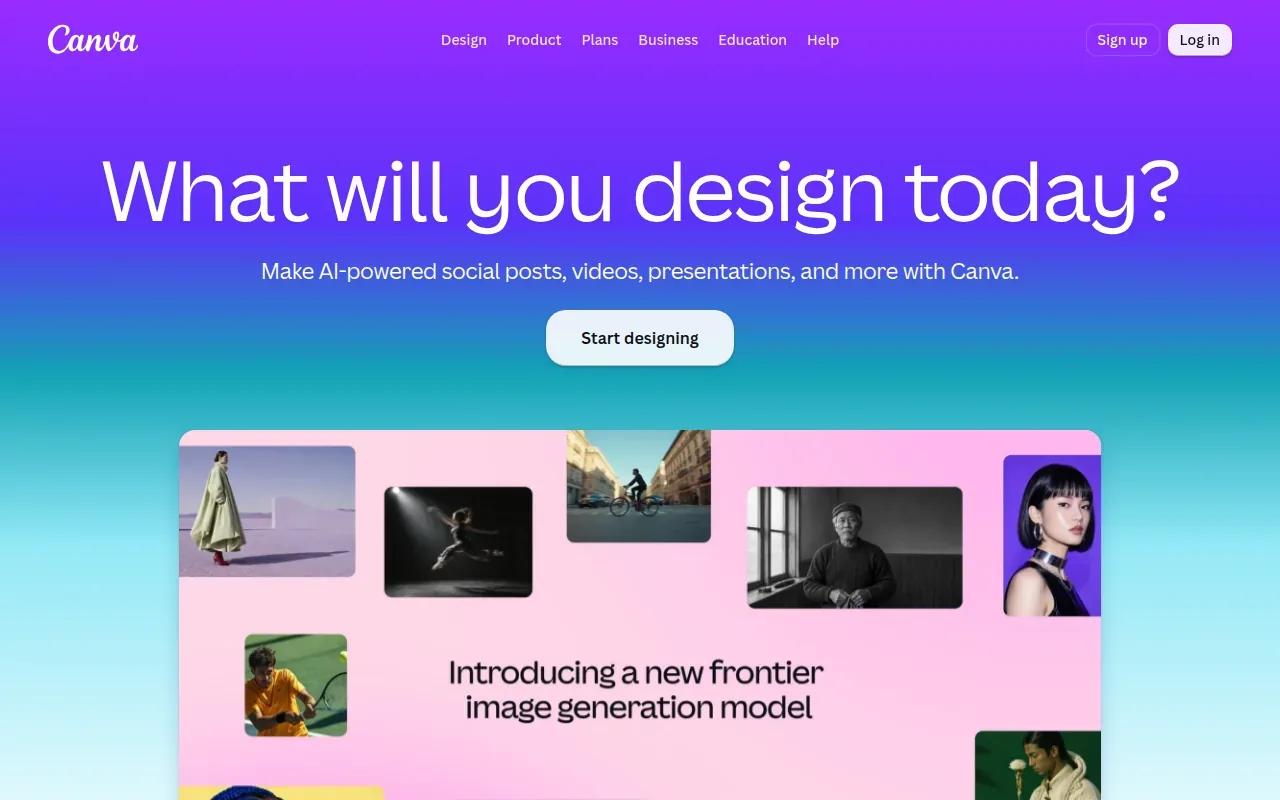
Canva’s AI video feature can turn a text prompt into an 8-second clip. A free tier is available, which makes it a straightforward place to try prompt-based video within a design workflow.
That eight-second format works well as a short opening shot or a visual for a campaign post. It is less suited to a brief that calls for a longer sequence made from several linked scenes. Plan the clip as one purposeful moment, then decide whether you need a separate editor or other workflow to finish the post.
For a small business, the useful part is the link between a visual idea and a branded asset. You can draft a short scene from a prompt, then bring it into the wider design work for a promotion. Be specific about the subject, setting, and motion in the prompt so the generated clip has a clear job.
Canva is a sensible option when speed and brand presentation sit at the center of the task. If control over first and last frames or scene extension matters more, compare those needs with Veo Studio’s controls before settling on a workflow.
5. Higgsfield AI: For generating and refining multimedia content
Higgsfield AI makes images, videos, and voice content from text prompts or references. It suits creators who want to generate and refine multimedia in one workflow, with access on web and mobile.
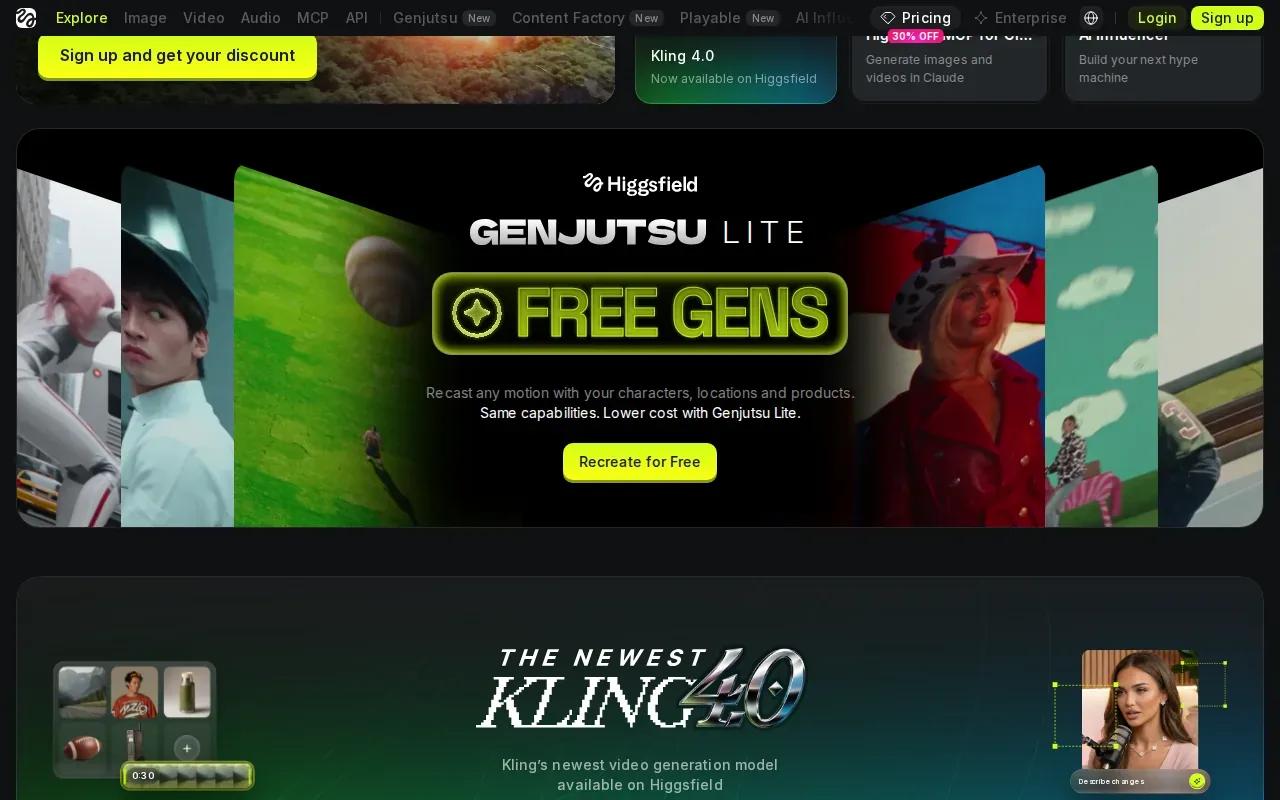
Its text-to-video workflow lets you describe a subject, action, camera move, lighting, and mood. Reference images or clips can guide the look. That gives you a way to turn a rough idea into a more directed shot: for example, describe a slow camera track around a product rather than asking for a generic product video.
Higgsfield AI offers editing and upscaling media, plus an AI agent for automating creative workflows. It can generate scenes from scripts, with each scene made as a short clip. Reusing a character image as the start frame can help keep the character’s look consistent across those scenes.
Higgsfield’s range can suit a team that wants to try different visual styles or work from a reference. But the details you need depend on the exact model and workflow selected. Before building a campaign around a feature, confirm that it fits the output you need, such as vertical social video or a scene with spoken dialogue.
Use a simple prompt structure: name the subject, describe one clear action, then add the camera move and visual mood. Generate a draft and refine the parts that feel off. That is more useful than packing several unrelated actions into one prompt.
6. Fliki: For turning scripts and blog posts into voice-led videos
Fliki turns text, scripts, and blog posts into videos with AI voices. It suits creators and marketers who already have a message and want a narrated video without filming or editing skills.
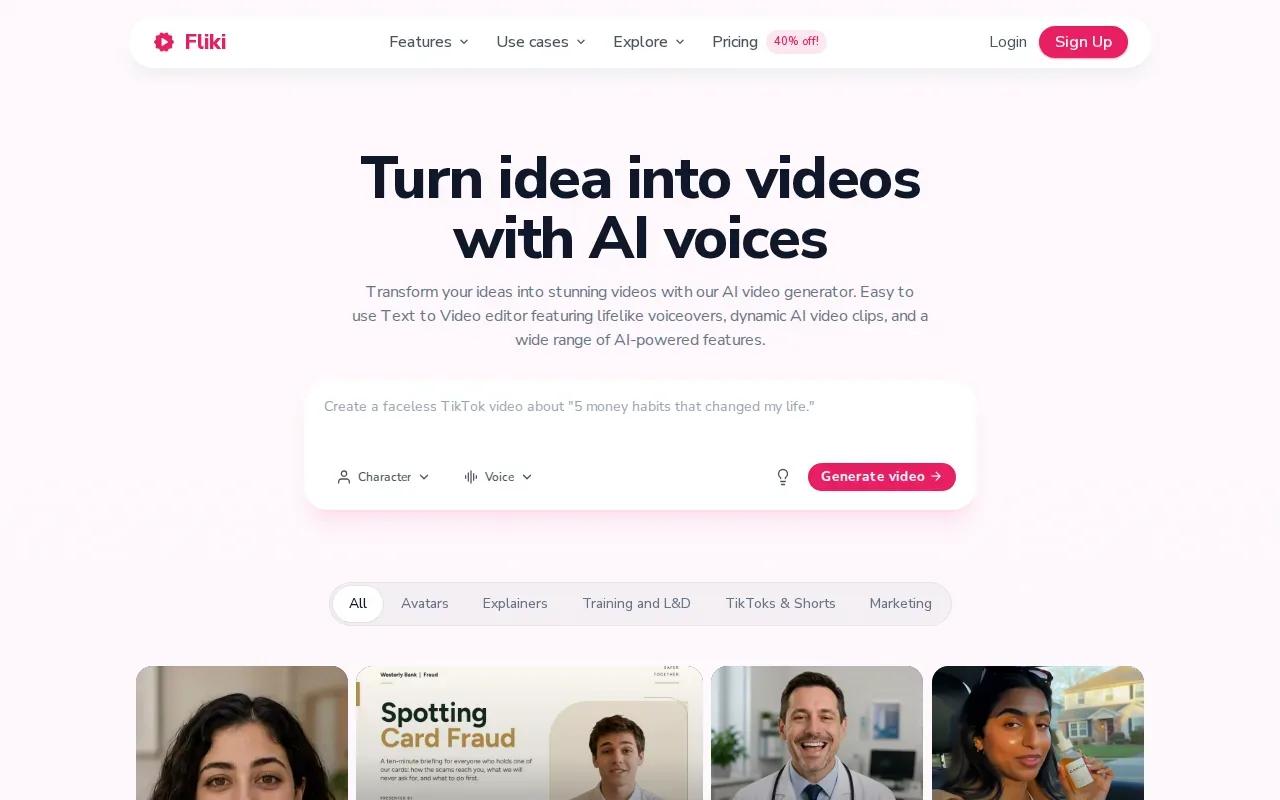
Its library includes 2,000+ AI voices in 80+ languages. Fliki’s free-forever plan makes it possible to try a script-led workflow before choosing a paid plan. Fliki can keep the same face and voice in every scene, which is useful when a project needs a consistent character across its sequence.
A blog post can become a voice-led social draft, while a short script can become a narrated explainer. The main decision is whether you want a presenter or voice to carry the message, rather than a scene where generated action and dialogue are the central idea.
| Starting point | What Fliki makes | Useful when |
|---|---|---|
| Blog post or article | Narrated video with visuals | You want to repurpose written content |
| Script | Voice-led video | The spoken message is already planned |
| Idea | Video built around an AI voice | You need a first draft without filming |
Before publishing, listen to the narration and check that the visuals support each line. Add or review captions so the message remains readable when someone watches without sound.
To compare Veo Studio’s plans before trying a dialogue-led scene, check the current Veo Studio pricing and plan details.
FAQ
What are video marketing tools?
Video marketing tools help you make, edit, publish, or measure video content used in marketing. Some focus on AI generation, while others help with editing, hosting, distribution, or performance tracking. The tools in this shortlist focus on making video, so you may still need a separate workflow to publish clips and review how they perform.
Which tool is best for AI video with dialogue?
Veo Studio is a fit when you want generated video with synchronized sound and dialogue, character consistency, frame controls, and scene extension. It’s an independent browser-based tool. Start with a prompt or reference image, then describe the line and action you want in the scene.
Can I make marketing videos for free?
Yes. Several options have free access. Veo Studio’s free plan includes a couple of 720p videos per month without a card, while Canva has a free tier and Synthesia has a free Basic plan. Fliki also has a free-forever plan. Check the limits and output details for the exact workflow you plan to use.
How do I choose a video tool for social media?
Start with the kind of video you need and the people who’ll make it. Check whether the tool supports your intended format, whether its generation or editing flow fits your team, and whether its free or paid plan suits your budget. Then test a short draft and review the sound, captions, visual consistency, and export before making more.
Do AI-generated videos need captions?
Captions are useful for viewers who watch with sound off and for people who need text to follow spoken content. Review auto-generated captions for errors before publishing. For accessibility requirements, check the rules that apply to your site, audience, and location.
Conclusion
For creators who need dialogue, character consistency, frame control, and scene extension in one video workflow, start with Veo Studio. For campaign inspiration, browse these video marketing examples.


