A video ads creator can turn a product photo, a script, or a scene idea into a usable first cut. The hard part is choosing a tool that fits how you work, especially when your ad needs dialogue, a presenter, or several social edits.
Here are six options, starting with Veo Studio, plus the kind of ad work each can support.
1. Veo Studio
Veo Studio is an independent, browser-based AI video creation tool powered by Google's Veo 3.1 models. It turns a text prompt or reference images into video with synchronized sound and dialogue.
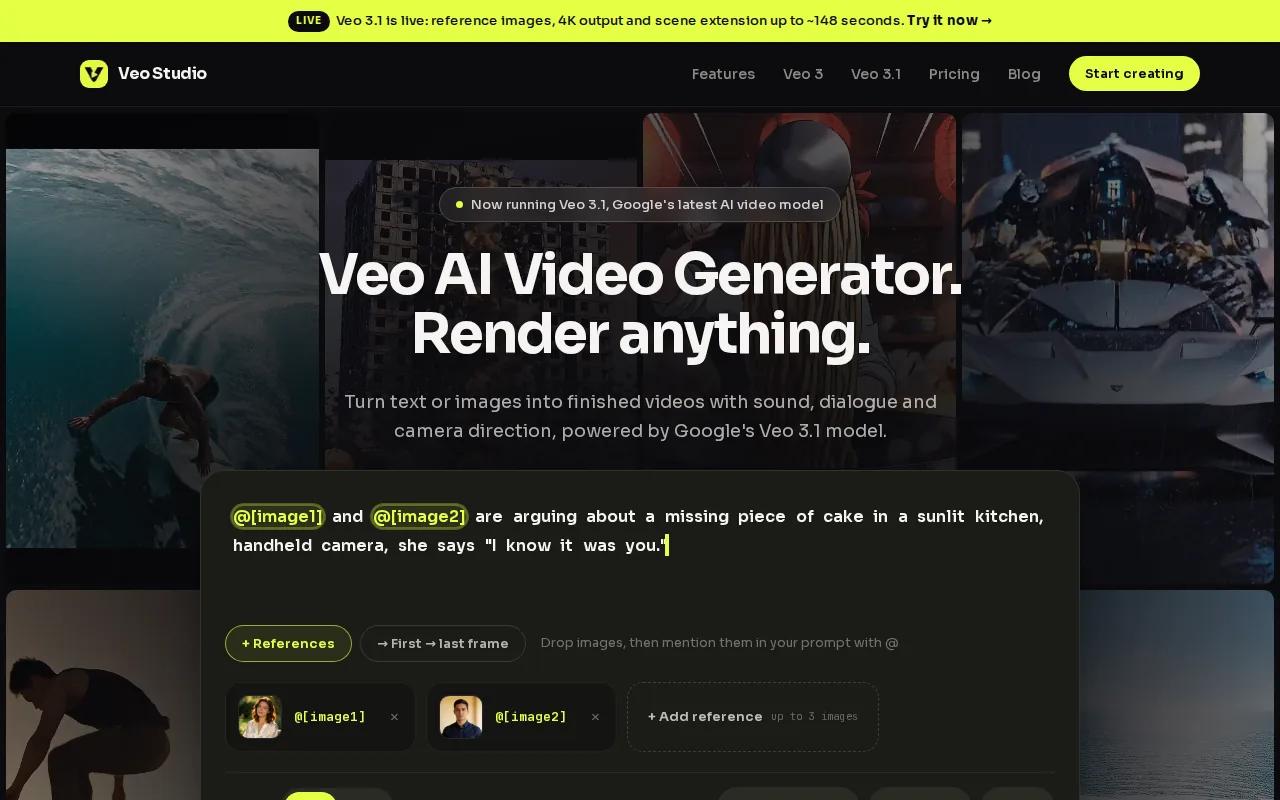
It suits social creators, brand marketers, small businesses working from product photos, and filmmakers building dialogue-driven scenes. For an ad, describe the action, the camera move, and the sound. Add a product photo as a reference when you want the generated scene to follow its look.
Veo Studio supports character consistency, first- and last-frame control, scene extension, and output up to 4K on supported settings. If you have two still images, first- and last-frame control can guide the transition between them. Scene extension can continue a finished clip seven seconds at a time, up to roughly 148 seconds.
A couple of 720p videos each month are included in the free plan, with no card required. Paid plans start at $14 per month, and each paid plan lists a commercial licence. For a closer look at prompt-led ad workflows, see these AI video ad creator options and use cases.
2. InVideo AI: fast script-to-video ad production
InVideo AI builds a social or marketing video from a prompt, generating scenes, stock footage, voiceover, and captions. It fits a small team that has a brief but not a finished shot list.
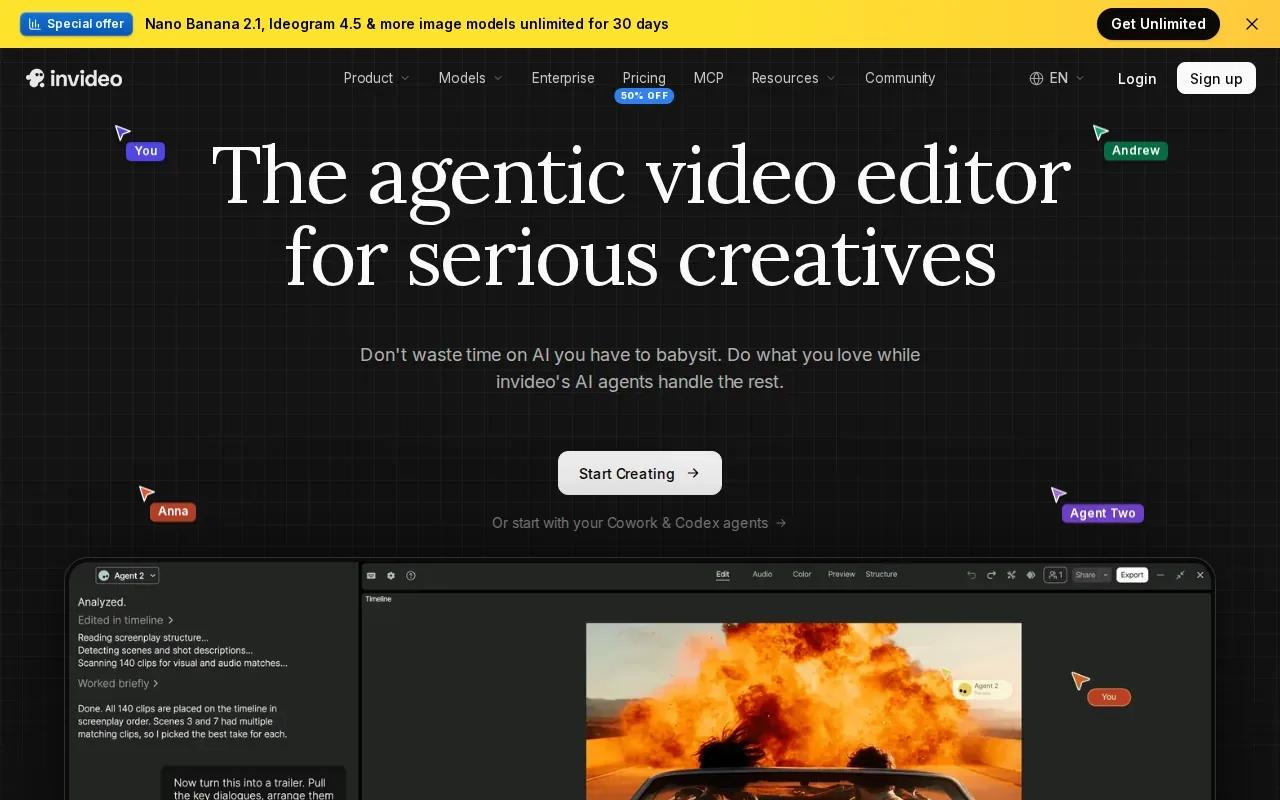
Start with the point you want the ad to make. For example, a shop might describe a product, name its audience, and explain the offer. InVideo AI can turn that input into a scene-based draft, with an AI-generated voiceover to carry the message.
This script-to-video path can speed up the first cut. You can spend the saved time checking whether the opening earns attention and whether the final call to action is clear. It also gives you a way to try different hooks: keep the product message steady, then revise the prompt or script to change the opening angle.
That is a useful distinction for ad work. A generated video is a starting point, not a performance result. Review claims, product details, and the tone of the voiceover before you publish. If you plan to test multiple versions, save each script and label the change, such as a new hook or a different offer. That makes later comparisons easier, even when you produce each version separately.
Choose InVideo AI when your message is ready and you want help assembling the scenes around it. It is a more direct fit for a written brief than for a highly directed dialogue scene.
3. HeyGen: presenter-led ads and custom digital twins
HeyGen is an AI video tool for presenter-led content. Its free plan allows three watermarked videos a month of up to one minute each, with one custom video avatar, and 4K export comes with the Pro plan.
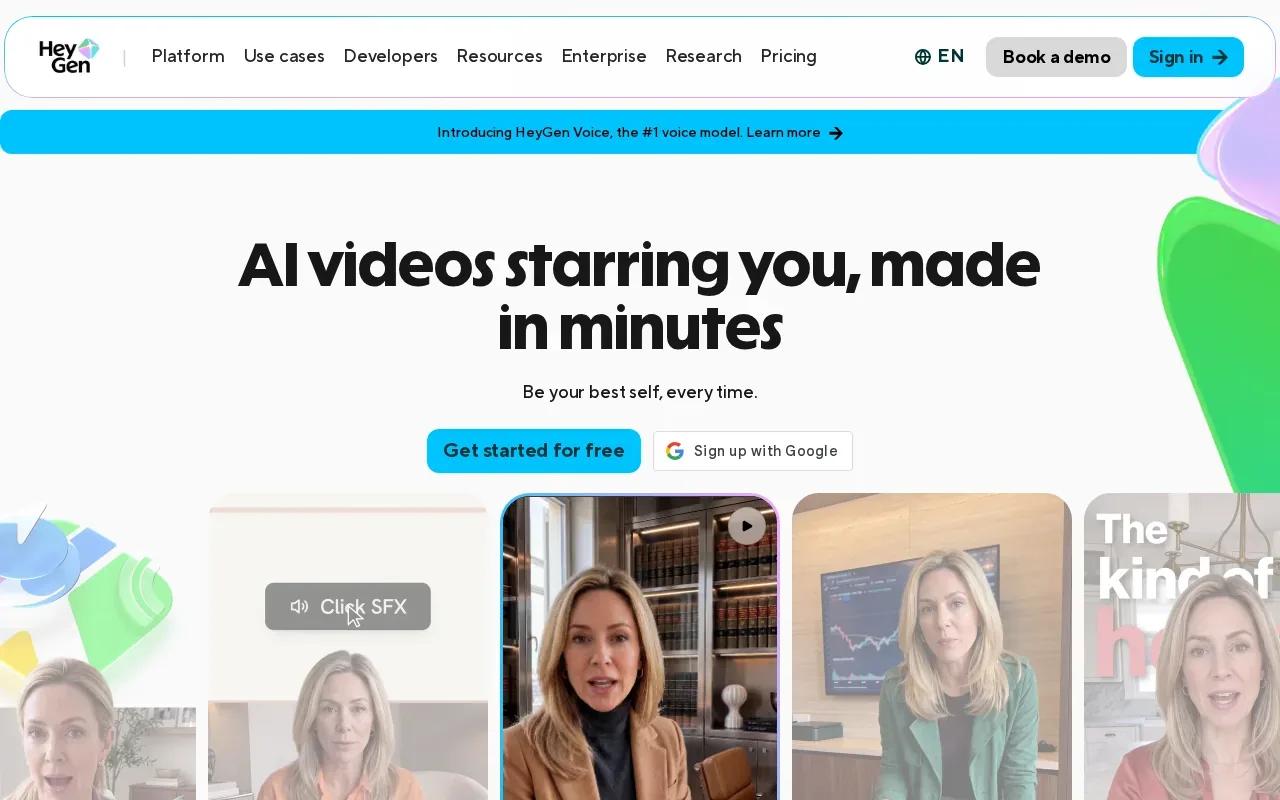
It fits a brand that wants a person speaking to camera without filming a new presenter for every version. Write a short script for a product tip, a launch message, or a quick explainer, then use a presenter to deliver it. That format can work when the face and spoken message should lead the ad.
A custom twin can help keep the same presenter identity across a set of clips. That consistency is useful for a campaign that repeats a host while changing the product, offer, or opening line. Still, the script needs to sound like something a person would say. Read it aloud before generation and cut stiff phrases or long sentences.
For a small batch of ad variations, change one part of the script at a time. Keep the presenter and core message steady while you test a new opening line. This helps you see which creative change may have affected the response, rather than changing everything at once.
HeyGen is a sensible fit when a speaking avatar is the main creative. If the ad needs a cinematic product scene instead, compare it with a prompt-led video tool.
4. AKOOL: personalized visual marketing campaigns
AKOOL is a generative AI platform for personalized visual marketing and advertising. Its image-to-video model turns static photos, art, or graphics into moving clips.
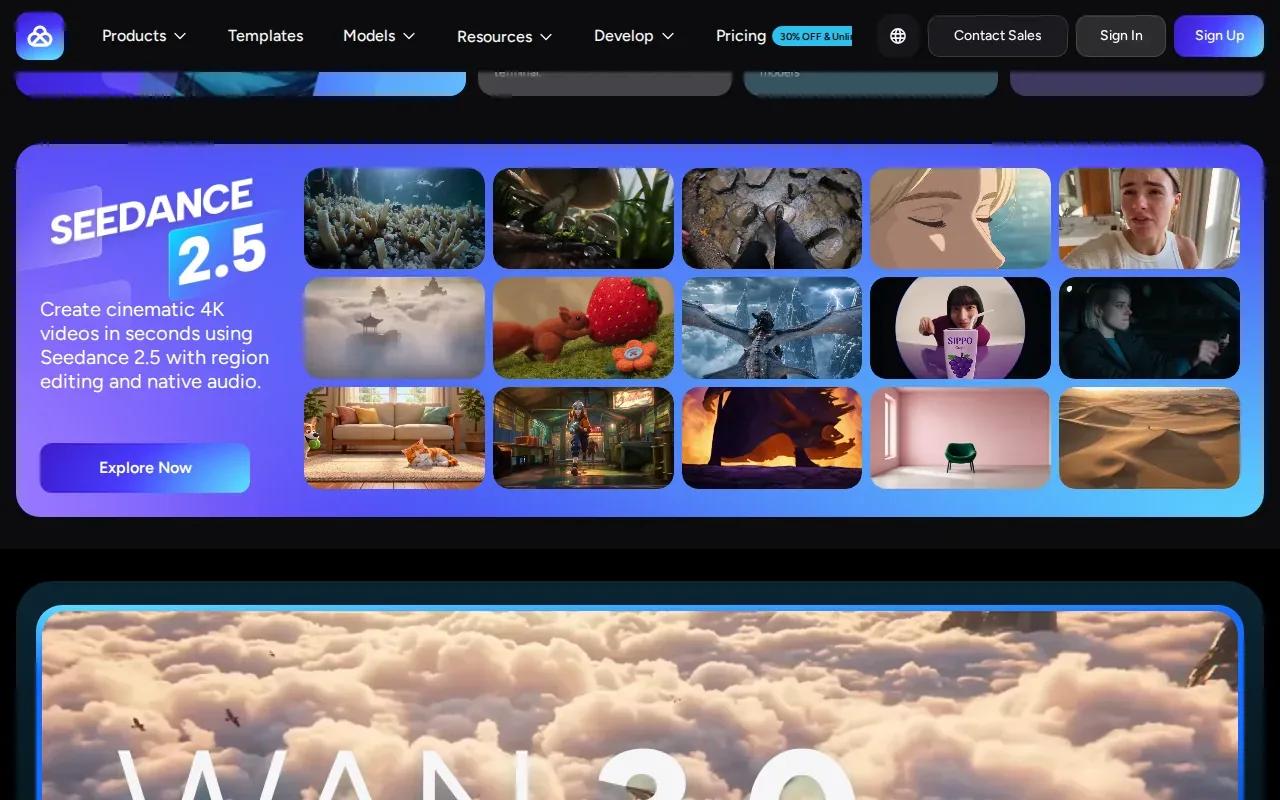
That workflow suits marketers who already have still assets and want to test them as video. A retailer, for instance, could start with an approved product image, then use motion controls to direct how the image moves. AKOOL offers controls for motion, trajectory, and speed.
AKOOL also offers temporal consistency for character identity across frames. That can matter when a face appears within one clip and needs to remain coherent as the shot moves. Quick iteration can help a team explore more than one motion treatment from the same visual asset.
Personalized campaign work still needs a clear plan. Decide what should vary before making assets for different audiences. You might change the visual or message to match a campaign segment, while keeping the offer and required brand details fixed. Then check every version for accuracy before it goes live.
Choose AKOOL when your starting point is a still image and you want control over its motion. It is a different path from writing a full scene prompt or scripting a presenter.
5. Kapwing: browser-based editing for social video ads
Kapwing is a browser-based video editor with a drag-and-drop timeline. It can turn a prompt into a video project with voiceover, visuals, subtitles, music, and characters, then let you adjust the result.
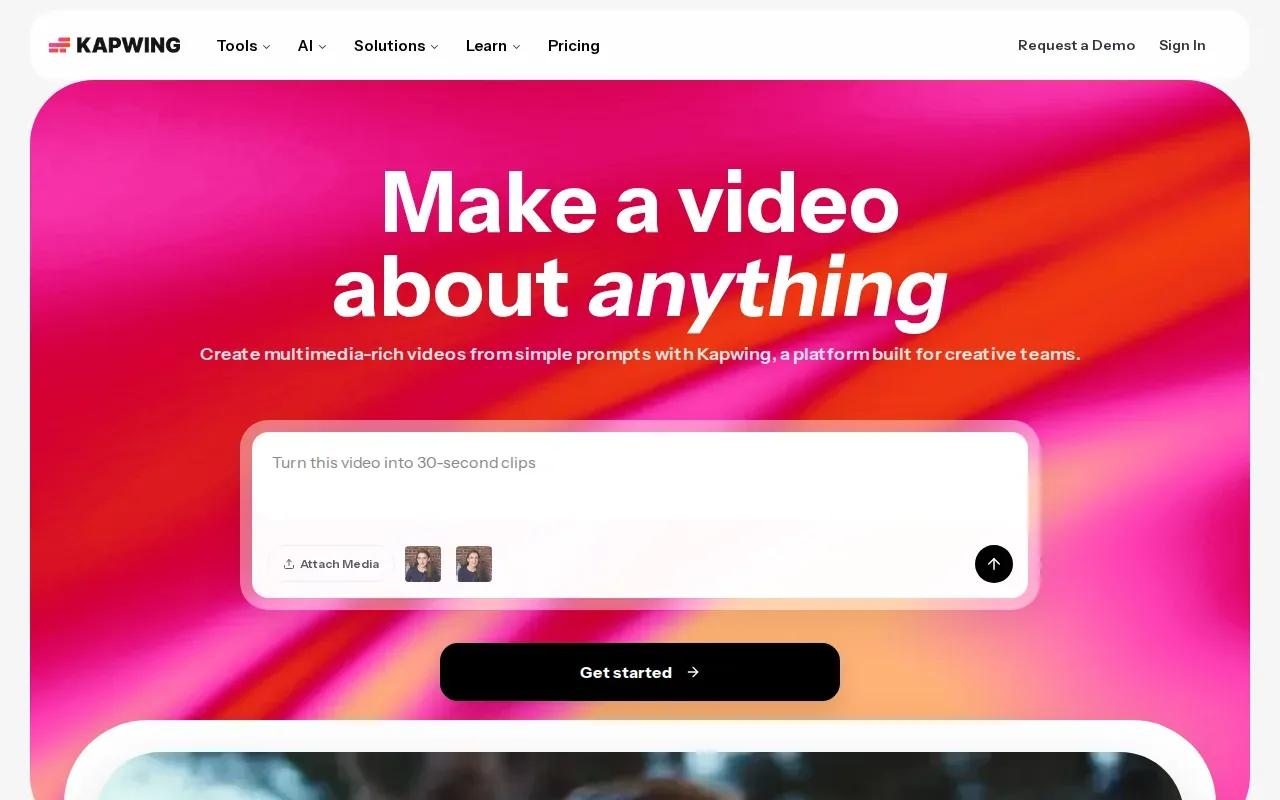
That mix of generation and hands-on editing makes Kapwing a fit when you want a quick draft but still need to trim scenes or set the pacing yourself. Templates can give a team a starting layout, while the timeline helps shape the final cut. You can also use its subtitle and dubbing tools when a campaign needs language versions.
Think about the handoff. A social manager might use a draft as the base, then adjust captions, clip length, or the order of shots for each placement. Paid Kapwing plans export up to 4K, while the free plan adds a watermark and exports 720p videos of up to four minutes.
One source video can also become several short social cuts. Review each version in its intended format before publishing. Captions must stay easy to read, and the key product detail should not disappear when the frame is resized.
Kapwing works well when editing control matters as much as the first AI draft.
6. Synthesia: synthetic-presenter ads from a script
Synthesia is built around a synthetic presenter reading your script. It suits teams that need the same host to deliver repeatable messages across multiple videos.
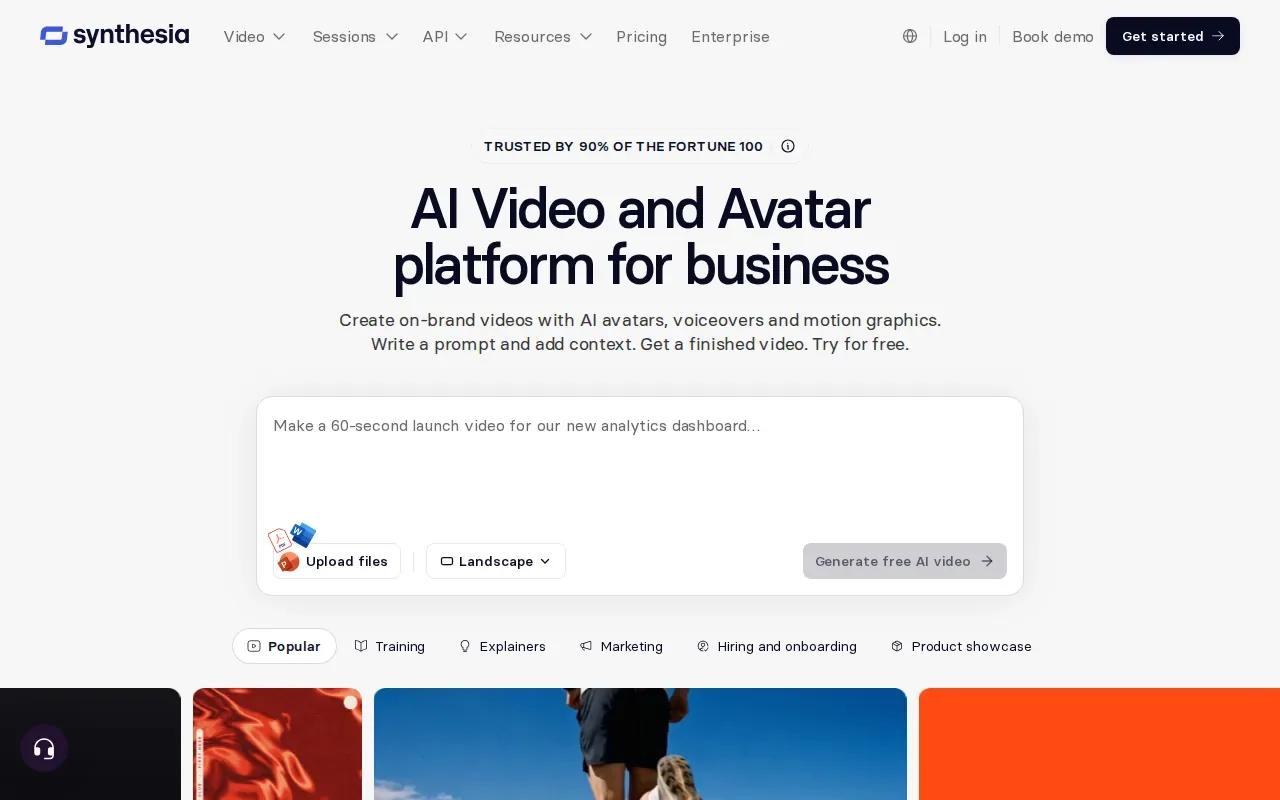
That can be useful for product explainers or a campaign with several audience versions. Keep the main message in a script, then adjust the wording for each audience. Synthesia supports AI avatars, voiceovers, and motion graphics, and its free plan includes nine stock avatars with up to ten minutes of watermarked video each month.
Character consistency matters when the same host appears across a series. It gives viewers a familiar face while the offer or script changes. Synthesia also supports video translation into more than 140 languages, with optional lip sync for dubbed versions. That can help a team prepare localized videos without rebuilding each one from scratch.
Use it when a presenter is central to the message. A spoken ad still needs a clear hook and a natural script, so review the pacing and phrasing before you render the finished version.
| Tool | Useful starting point | Consider it when |
|---|---|---|
| Synthesia | Written script | You need a recurring synthetic presenter or translated versions. |
| HeyGen | Presenter-led script | You want a custom twin for short presenter videos. |
| Veo Studio | Prompt or reference image | The ad needs generated scenes, sound, or frame control. |
| InVideo AI | Prompt or marketing brief | You want scenes, stock footage, voiceover, and captions in a draft. |
| AKOOL | Static image | You want to direct motion from an existing visual. |
| Kapwing | Prompt or existing footage | You want to generate a draft and refine it on a timeline. |
FAQ
What is a video ads creator?
A video ads creator is a tool that helps you make or edit video advertisements. Depending on the tool, you might start with a prompt, a script, a still image, or footage you already have. Some focus on generated scenes, while others build around a presenter or give you an editing timeline.
Can I make video ads with AI for free?
Yes, some tools have free access, but the limits vary. Veo Studio's free plan includes a couple of 720p videos each month without a card. HeyGen's free plan allows three watermarked videos a month of up to one minute each. Synthesia's free plan includes up to ten minutes of watermarked video each month.
How do I make different versions of one video ad?
Change one creative element at a time, such as the opening line, scene, or call to action. Keep the main product message steady, and label each version so you know what changed. Some workflows can help draft clips quickly, but check the tool's current features before assuming it can batch-generate variations.
Which tool should I use for a product photo ad?
Choose based on the result you want from the photo. Veo Studio can use reference images to guide a generated scene, while AKOOL has an image-to-video workflow for adding motion to static visuals. If you need to place captions or refine the timing afterward, Kapwing's timeline can help with that editing stage.
Conclusion
Start with Veo Studio if your ad needs a generated scene with synchronized dialogue or consistent characters. For an overview of access and limits, see the Veo Studio free plan details.