
A still image can become a moving clip with a prompt and a few clicks. AI image animation tools vary in how much control they give you over motion, sound, and the final frame, so here are six options and the kind of work each suits.
We analyzed 50 YouTube comments about AI Image animation and found that 20% mentioned artistic plagiarism and generic quality.
1. Veo Studio
Veo Studio is an independent, browser-based AI video creation tool powered by Google’s Veo 3.1 models. Upload a reference image, describe the shot, and generate a video with synchronized sound and dialogue. It suits social creators, marketers, and filmmakers who want to direct a scene rather than add a basic pan to a photo.
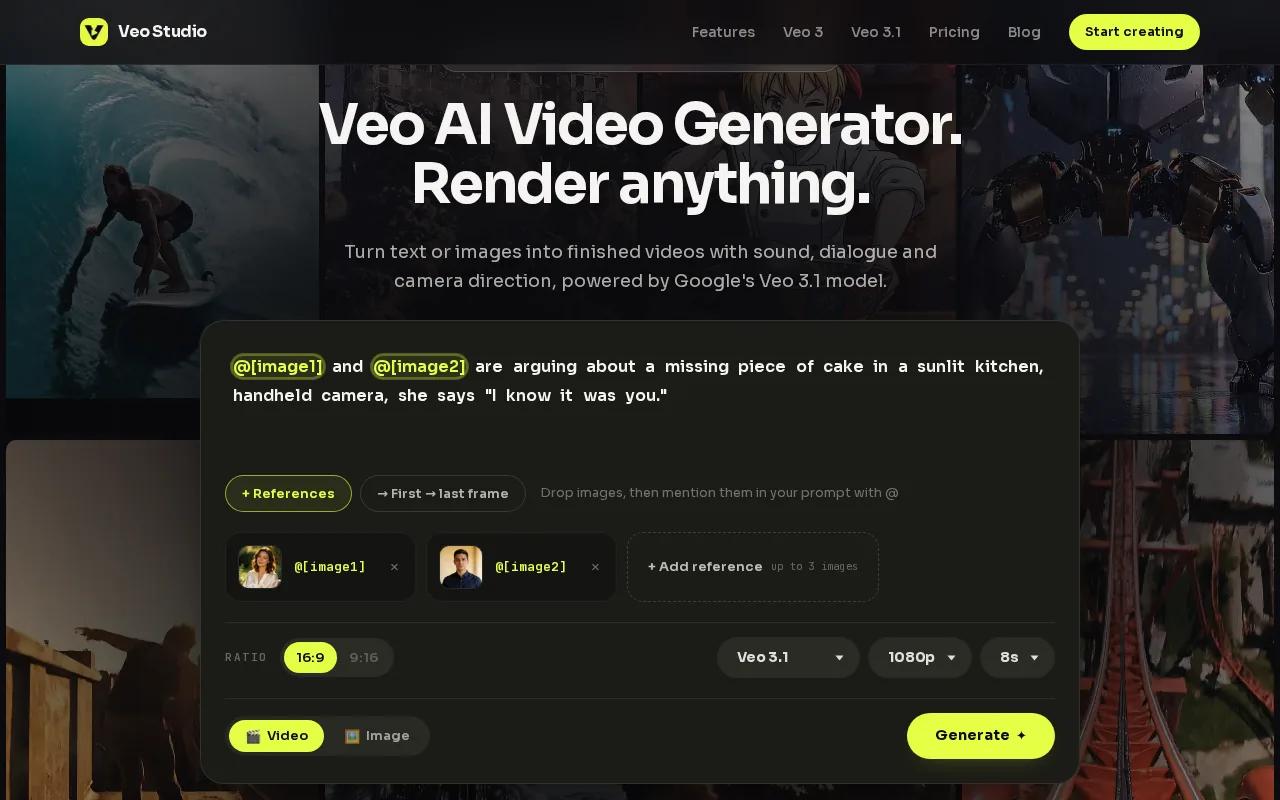
You can attach up to three reference images to guide character or product consistency. First- and last-frame controls help shape a transition between two stills. When a clip needs more time, scene extension adds to the shot; supported output goes up to 4K. Those controls are useful for a product reveal or a short scene where the same person needs to remain recognizable.
For a first render, give the model one clear action and a camera direction. For example, ask for a person to turn toward a window while the camera slowly moves closer. Add a line of dialogue in quotes when you want the character to speak. The image sets the starting look, so focus your prompt on what should move and what should stay still when planning that kind of shot.
The free plan gives you a couple of 720p videos each month, with no card required. Paid plans start at $14 a month and include higher resolutions; all plans include a commercial license. If your final brief needs 4K, check that the output settings and plan fit before you generate.
2. Runway: For extending and refining AI video clips
Runway supports text-to-video and image-to-video generation, and it lets you keep working on the result. Its scene extension can help when a short generated clip needs to continue beyond its first moment. It suits creators who want image animation to sit inside a broader video workflow.
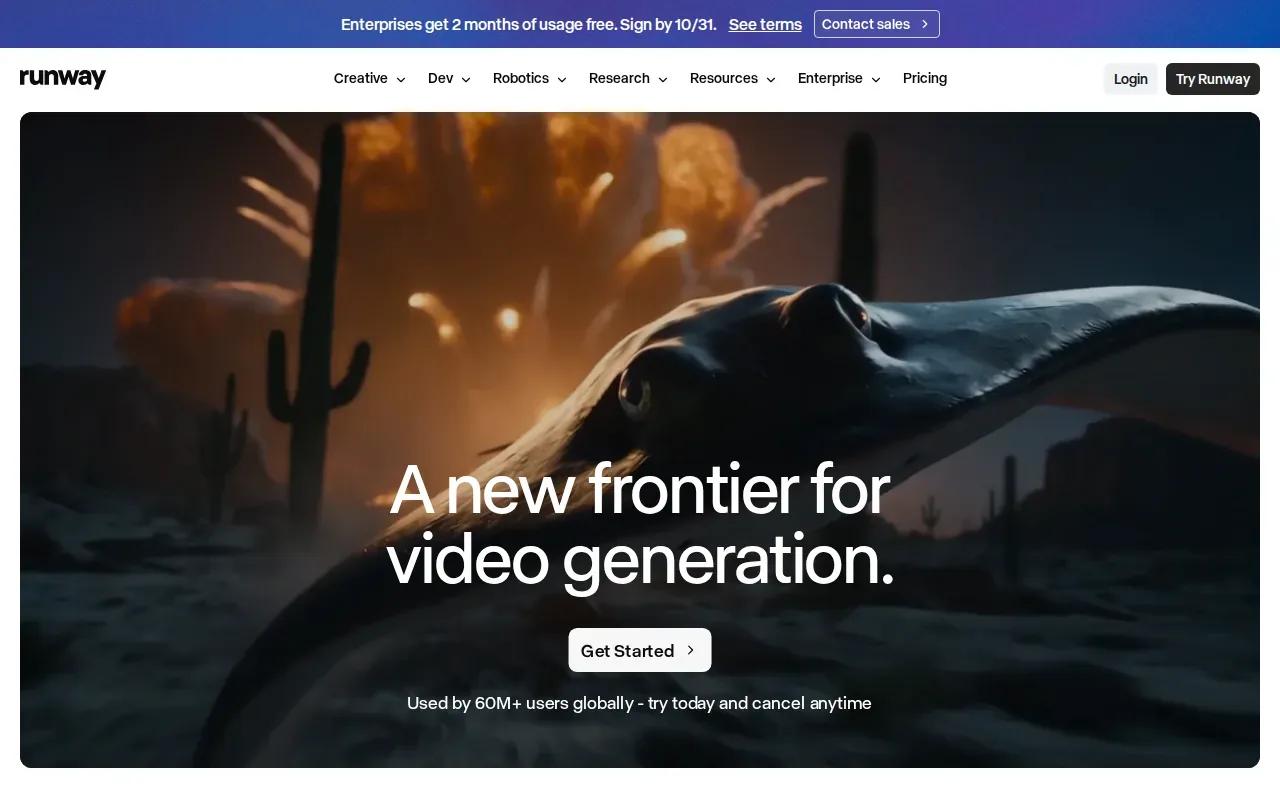
That extra workflow room matters when your still is only the opening shot. You might generate motion from a campaign image, then extend the scene to give a product reveal more time.
Runway’s free tier hands out 125 one-time credits, enough to test but not to ship.
Choose Runway if you expect to refine video after the initial generation. If you mainly need a still photo to move with synchronized dialogue and scene extension, compare those specific needs against Veo Studio’s controls before settling on a workflow.
3. DomoAI: For stylized and anime-inspired image animation
DomoAI can animate a still image or turn existing footage into anime and other visual styles. It suits creators who want a distinct look for a social post, character clip, or visual experiment, rather than realistic motion alone.
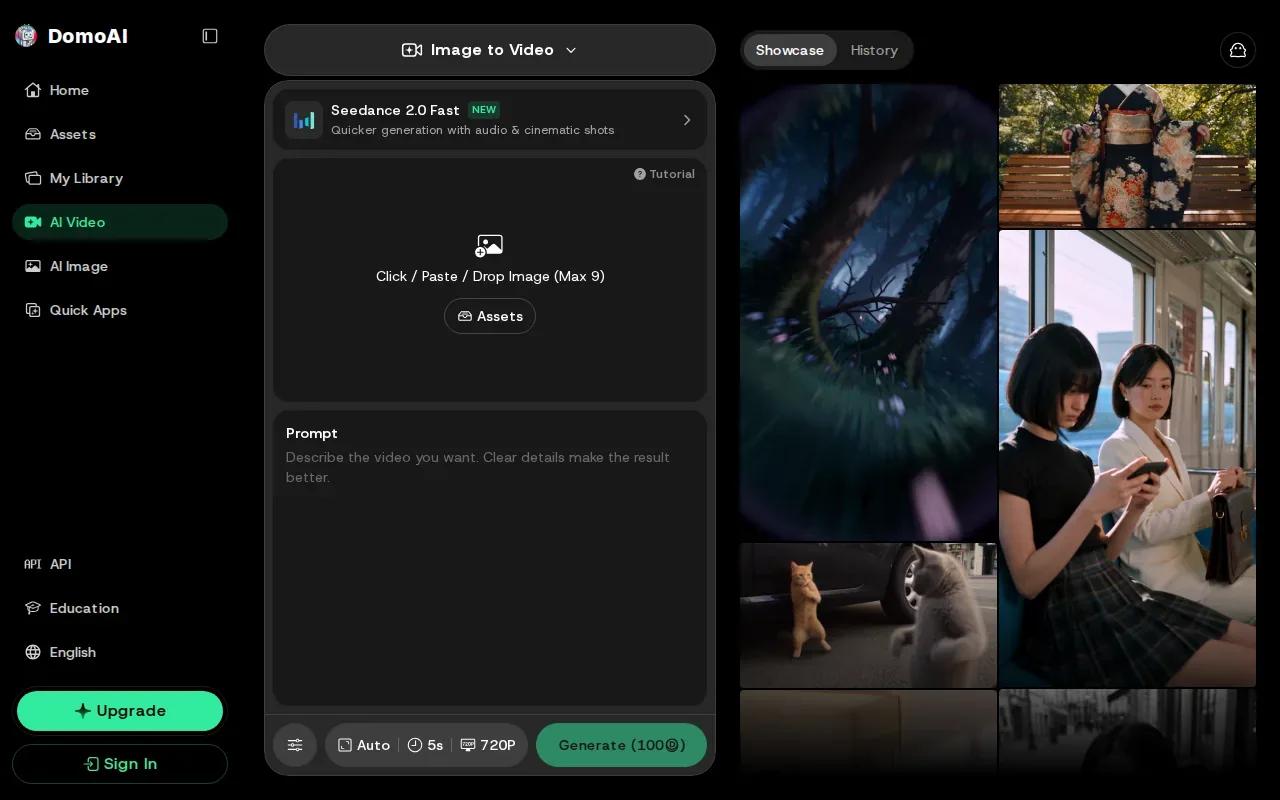
Its animation workflow lets you describe what should move and how the camera should behave. A prompt might ask for hair to lift in a breeze or for a slow push toward a portrait. DomoAI also supports Omni Reference for using reference material in image-to-video work, which can help when the subject’s look needs to carry across a generated scene.
Paid plans include 4K video upscaling. For a vertical social clip, set the aspect ratio before generation; for a stylized result, say which part of the image should move and which style you want.
Use it when visual treatment is a major part of the brief. If you’re animating a real person or a recognizable character, review the result closely for changes in facial details between frames.
4. OpenArt: For character consistency and sound-enabled generations
OpenArt supports character consistency and synchronized sound dialogue. It suits creators building a short sequence around a recurring character, especially when the character needs to speak as part of the clip.
Its scene swap tool can change the setting behind a subject while preserving lighting, edges, and motion continuity. That can help when you want the same character to appear in a changed setting without treating each shot as an unrelated image.
For a short story, start with one reference image and a simple action. Add dialogue only when it helps the scene; extra instructions can make a short clip harder to direct. Watch the face and clothing through the full result, not only the opening frame, before using it in a sequence.
OpenArt is worth considering when character continuity and generated speech are both part of the assignment. If you want to build a shot with first- and last-frame direction, compare that need with the frame controls available in Veo Studio.
5. Vidu: For consistent characters and 4K upscaling
Vidu supports character consistency and has a free tier. It also supports 4K output, with 4K upscaling available on higher plans. It may fit creators who want a recurring character and plan to prepare the final image at a larger resolution.
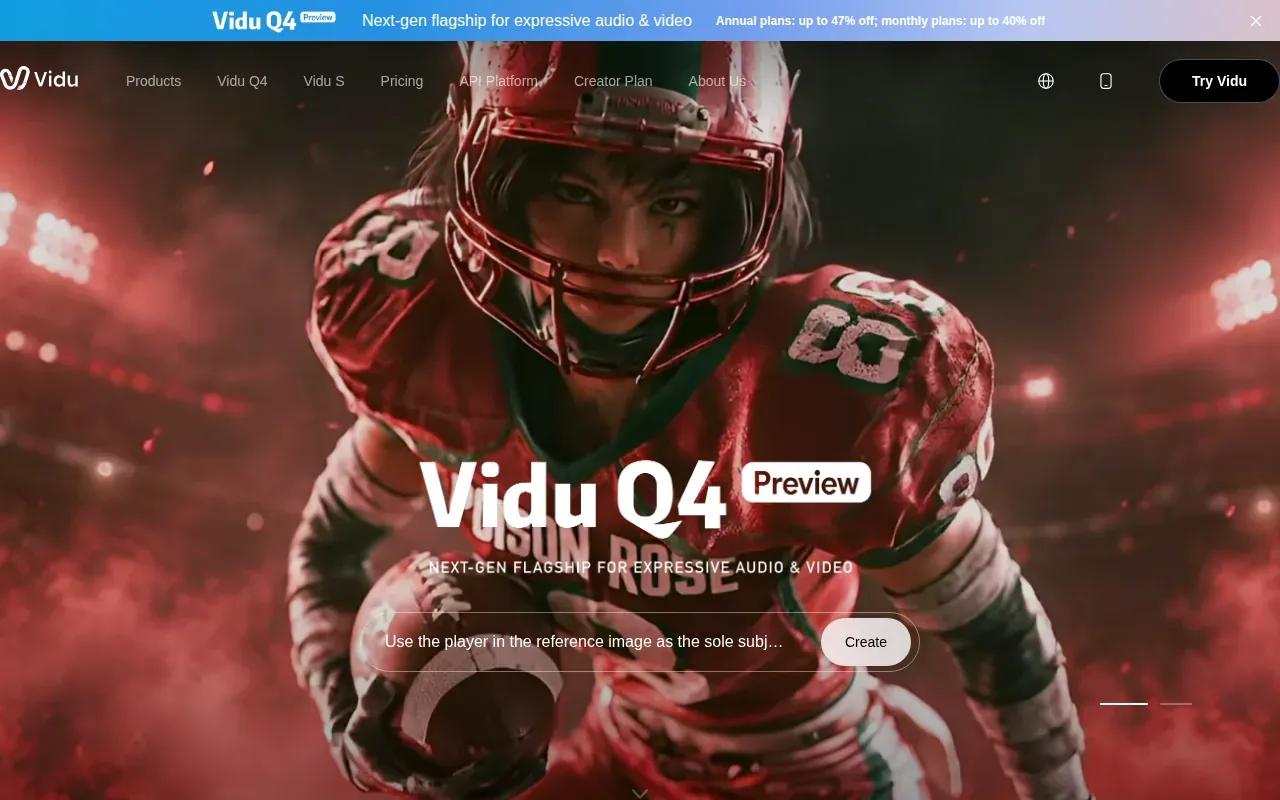
That distinction matters when you’re choosing a tool for a high-resolution deliverable. Upscaling raises the output resolution; it isn’t the same workflow as generating a native 4K clip. Check which output method fits your project, especially if fine detail in a face, product, or illustration needs to hold up on a larger screen.
For character-led work, keep the prompt focused on one action and watch for changes to the subject’s face or clothing. A recurring character can look consistent at first glance while small details shift between frames. Review the full clip before you add it to a longer sequence.
Vidu is a sensible candidate when character continuity and an upscaling path are the main requirements. If sound or scene extension also matters, make those features part of your comparison rather than judging by resolution alone.
6. AI Animate Image by Kapwing: For a straightforward browser-based option
AI Animate Image by Kapwing is a browser-based tool for turning a still into an animation through a prompt. It suits creators who want to upload an image, describe the motion in plain language, then edit or export the result in the same workspace.
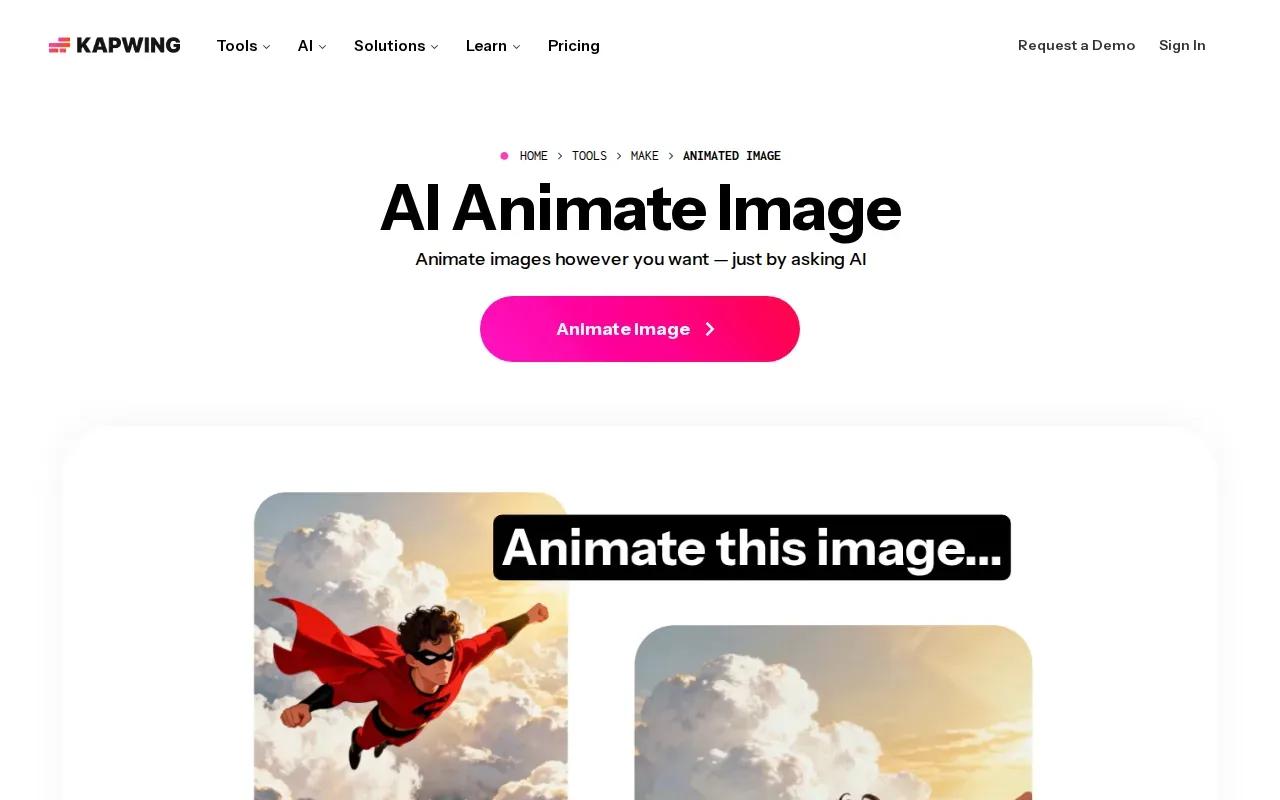
The tool accepts common image formats such as PNG and JPEG. Animations can be downloaded as video or GIF, with video formats including MP4, MOV, and WEBM. That range can help when the same piece of artwork needs a looping graphic for a page and a video clip for social media.
You can ask for a change in movement or lighting with follow-up prompts, then move the animation into the online editor for edits such as text overlays or sound effects. That’s useful when your workflow includes captions or brand elements after the motion is generated. If you’re new to the process, start with one action and refine the result using this step-by-step photo animation workflow.
Pick Kapwing when you want image animation alongside browser-based editing. For a clip where synchronized dialogue or a longer scene is central, compare the generation controls before committing to an editing workflow.
Compare the AI image animation tools at a glance
The right choice depends on the shot you need to finish. Use this table to match the main workflow to your next task, then check the tool’s current settings before you generate.
| Tool | Good fit for | Details to weigh |
|---|---|---|
| Veo Studio | Directed scenes from prompts or reference images | Synced sound and dialogue, character consistency, frame control, scene extension, up to 4K; free plan includes a couple of 720p videos monthly |
| Runway | Generating and refining video clips | Image-to-video, scene extension, 125 one-time free credits |
| DomoAI | Stylized or anime-inspired motion | Still-image animation, visual style changes, 4K upscaling on paid plans |
| OpenArt | Character-led clips with dialogue | Character consistency, synchronized dialogue, scene swaps; commercial use from the Plus plan |
| Vidu | Consistent characters and higher-resolution output | Character consistency, up to 4K, higher-plan 4K upscaling, free tier |
| AI Animate Image by Kapwing | Browser-based animation with follow-up editing | Prompted animation, editor workflow, video and GIF exports |
If you’re choosing for a team, test one image that matches your real work. A product photo, a portrait, or a scene with small details will reveal different issues. Compare motion, continuity, and export fit before building a batch around any one tool.
Frequently asked questions
How do AI tools animate an image?
AI tools animate an image by generating new video frames from a still image and a motion prompt. The image guides the starting look, while your prompt tells the model what should move. You might ask for a person to turn, leaves to sway, or a camera to move closer. Review the clip for changes to faces and small details.
What should I write in an image animation prompt?
Write one clear subject action and, if needed, one camera move. For example, ask for a portrait subject to turn toward a window while the camera stays still. Add a lighting or sound note only when it helps define the shot. If the result misses, adjust one part of the prompt and generate another version.
Can AI animate a photo and add dialogue?
Yes, some tools generate synchronized sound and dialogue with the video. Veo Studio supports synchronized sound and dialogue, and OpenArt also supports synchronized sound dialogue. Check that the tool fits the scene you want, then review the timing and the subject’s mouth movement before sharing the clip.
Which image file types can I use?
Supported file types depend on the tool. Kapwing’s image animation tools accept common formats such as PNG and JPEG. Check the upload options in your chosen tool before preparing a batch. Keep a clean copy of your source image so you can test another crop if needed.
Can I use AI-animated images for commercial work?
Commercial use depends on the tool and plan. Veo Studio’s plans include a commercial license, including its free plan. Don’t assume the same terms apply elsewhere; check the current license for the tool and plan you use. You should also have permission to use the source image and any recognizable person shown in it.
Conclusion
For a still-image workflow that can include synchronized dialogue, character consistency, frame control, scene extension, and up to 4K output, start with Veo Studio. Create a free account and test one reference image with a single motion prompt, then review the result before planning a larger batch. Try Veo Studio in your browser.


