

Picking an AI video tool gets tricky when one nails motion but misses the spoken line. This AI video generator comparison covers 10 options by workflow, sound, resolution, and cost, so you can match a tool to the clip you need.
We analyzed 55 YouTube comments about AI video generators and found that 44% mentioned video quality.
1. Veo Studio
Veo Studio is an independent, browser-based video tool powered by Google's Veo 3.1 models. It turns a prompt or reference image into a video with synchronized sound and dialogue.
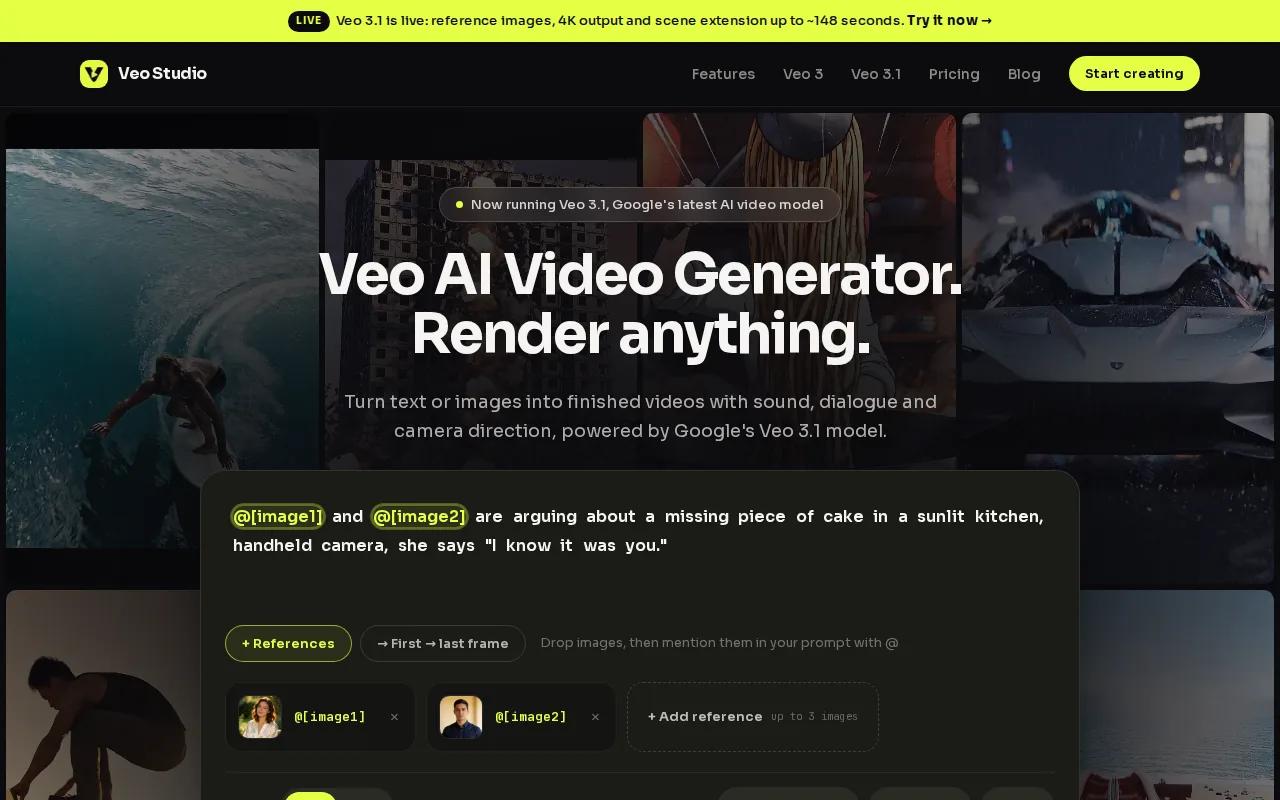
It suits social creators, brand marketers, and storytellers who want to direct a scene rather than build a narrated montage. Attach reference images to guide a character or product. You can also set the first and last frames, then ask the model to generate the motion between them. For scenes that need more time, supported clips can be extended.
Output reaches 4K on paid plans. Paid plans start at $14 per month. See Veo Studio's plans and features before you plan a larger batch.
That mix fits a product shot with a spoken line, or a recurring character who needs to look right across a short scene. Veo Studio is an option to start with when sound and scene continuity matter.
2. Runway: Cinematic ads and frame-level creative control
Runway is a video and creative editing tool for people who want close control over a shot. It suits cinematic ads where the subject, lighting, or frame needs hands-on direction.
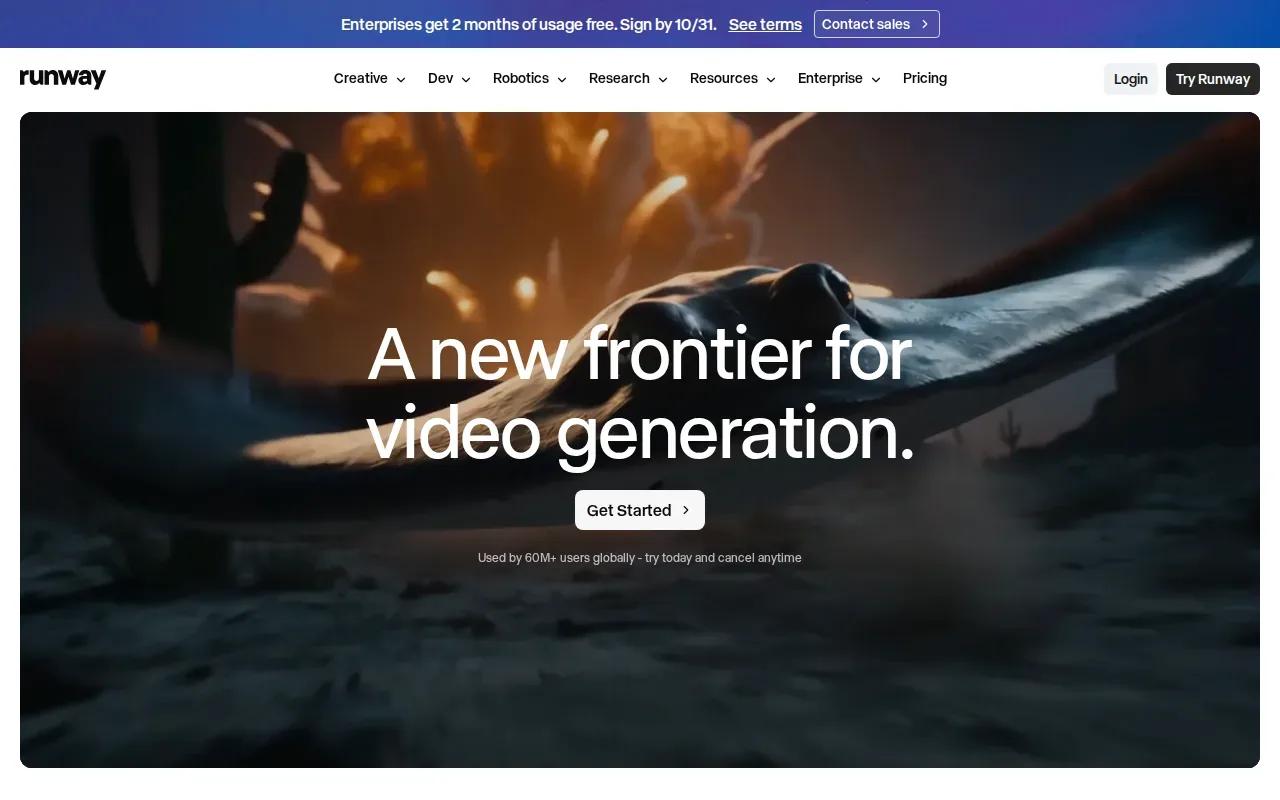
You can generate video from text, images, video, or audio. Runway is the pick when a real person needs frame-level control over the shot.
Paid plans include 4K upscaling. Its Standard plan costs $15 per month, or $12 per month billed yearly. The trade-off is workflow: it’s a better fit when you want to shape the image and edit, rather than simply turn a script into a finished presenter video.
3. Kling AI: A generous daily free-credit option
Kling AI is a video generator with a daily free-credit allowance. It suits creators who want to try short video generations without adding a payment card first.
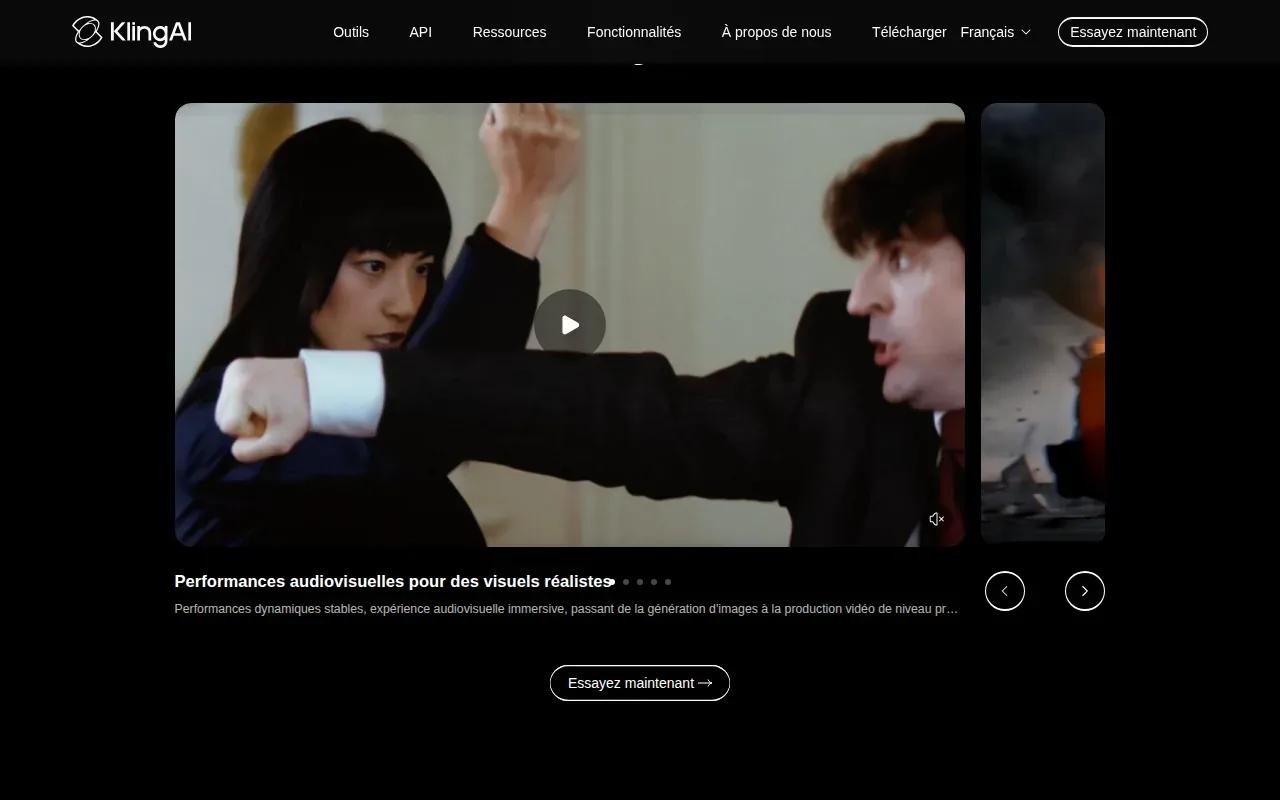
The free tier gives a daily credit allowance. Kling AI supports native audio and dialogue, which can help when a clip needs sound generated with the scene. Check whether its output resolution fits the size and finish you need before making it part of a paid workflow.
Daily credits make it easier to test ideas over several sessions. Keep a note of which prompt changes improve the shot, then spend credits on the versions that have a clear job.
4. Pika: Short, punchy clips for social
Pika is aimed at short, punchy clips for social feeds. It fits creators who need a quick visual hook for a vertical post, rather than a long dialogue scene.
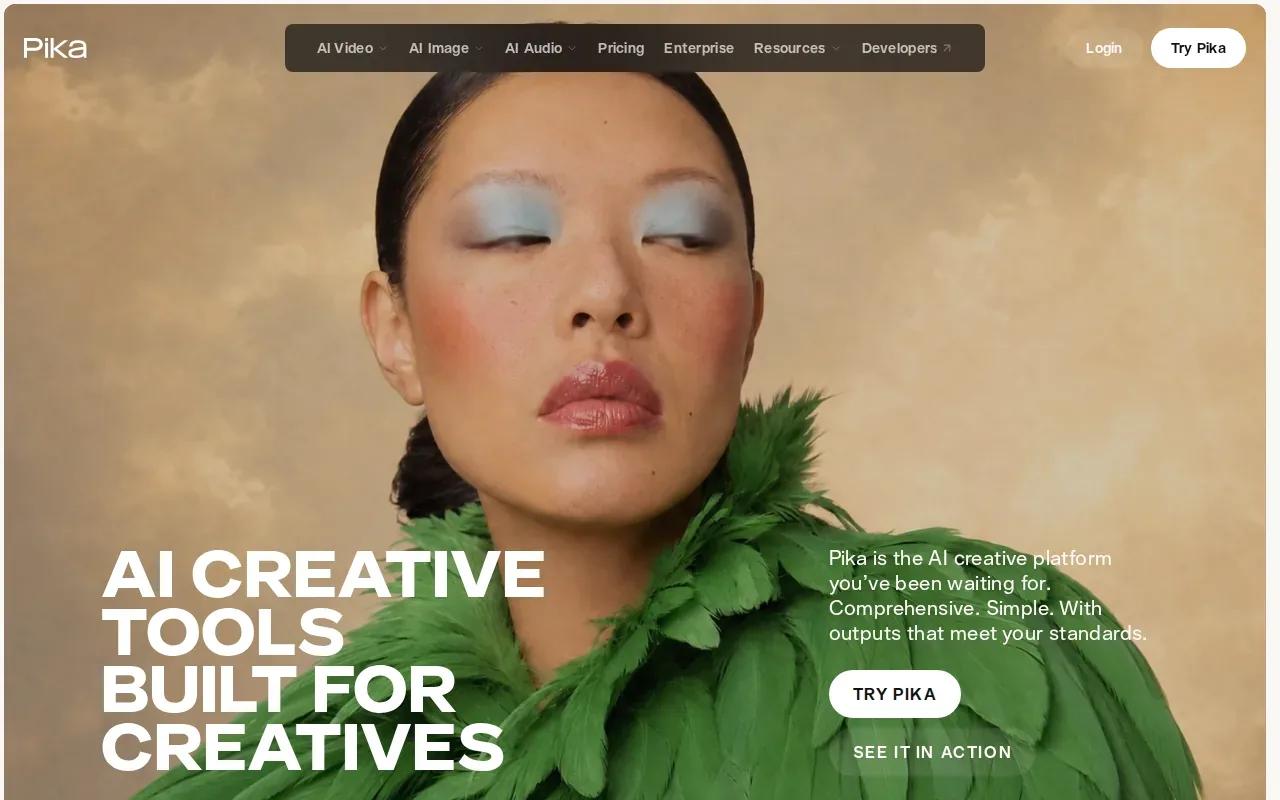
Review the output on the device where people will see it.
Paid plans start at $10 per month for Starter, and the free plan includes no monthly credits. Before building a campaign around a format, make a sample clip and check how its image quality holds up after upload to your social channel.
For synced dialogue and consistent characters, Veo Studio is worth considering.
5. Synthesia: Consistent AI presenters for explainers
Synthesia puts a synthetic presenter on screen to read a script. It suits corporate training and explainer videos where you want the presenter’s look to stay consistent.
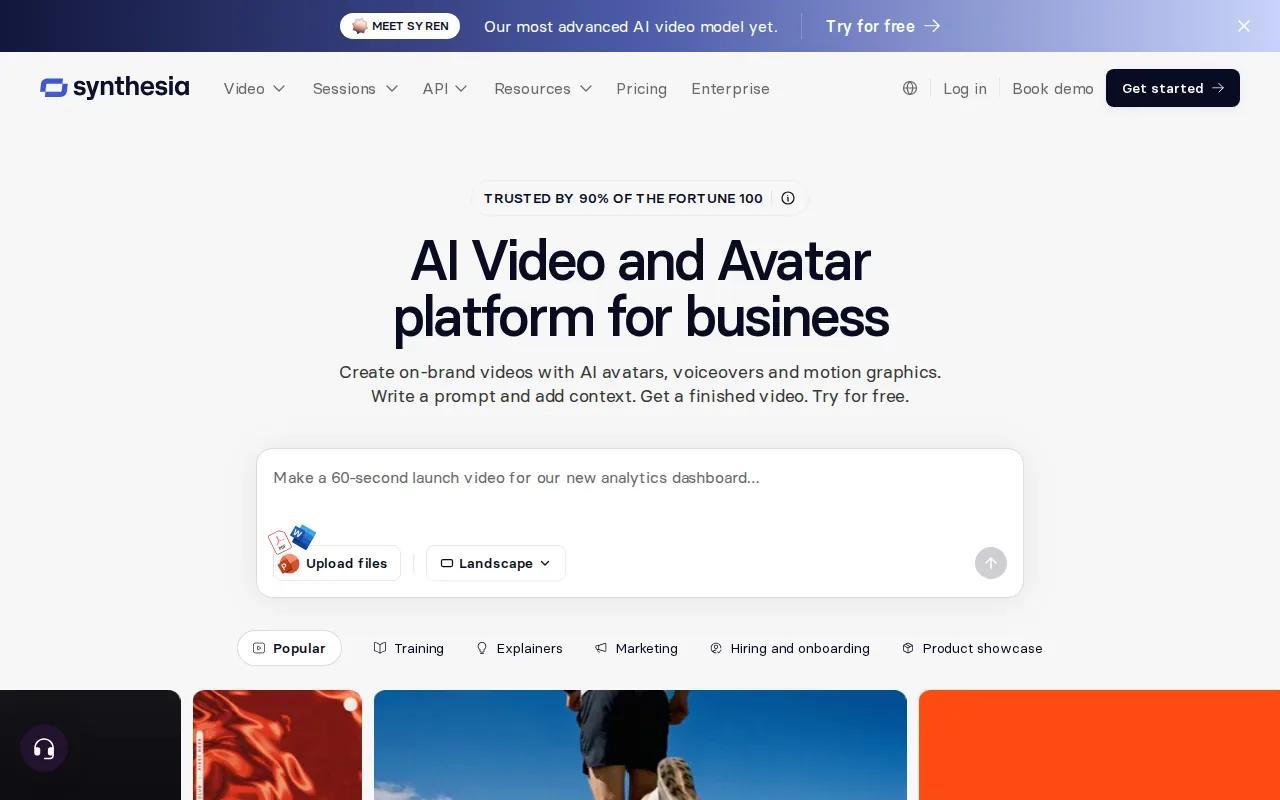
Its workflow is script-led, which makes it a fit for an onboarding lesson or a product explainer that needs clear spoken information. Synthesia includes built-in voice-over and AI dubbing. Those features can help a team make a presenter video, then prepare versions for audiences who speak different languages.
Its Starter plan costs $19 per month. Choose this format when a presenter needs to carry the message. For a cinematic scene built around action or a camera move, a scene-focused generator may suit the brief better.
6. HeyGen: High-volume localization and personalized video
HeyGen is an avatar video tool for teams making localized or personalized videos at scale. It’s a fit when one message needs versions for several audiences.
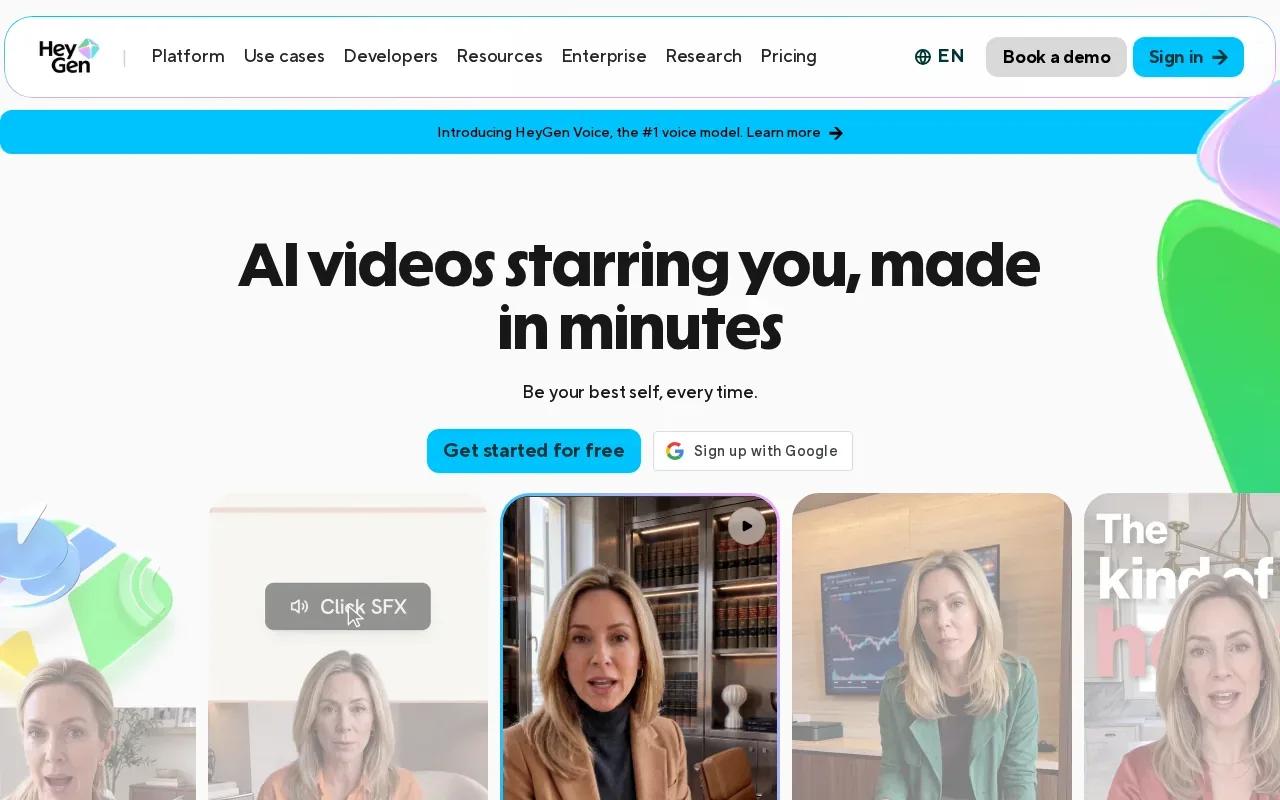
Its Creator plan costs $29 per month for 600 credits and exports in 1080p. 4K export comes with the $49 Pro plan. The workflow differs from a prompt-led scene: a presenter delivers the message, so the script and audience matter as much as the visuals. That can suit a batch of localized explainers or a personalized outreach campaign.
For dialogue-led fiction, compare how the tool handles the scene you need. For a planned presenter message, HeyGen’s focus on localization makes it worth considering.
7. InVideo AI: Voice-over and music for packaged videos
InVideo AI is suited to packaged videos built around voice-over and music. It fits a creator who wants a narrated draft, rather than a single generated shot.
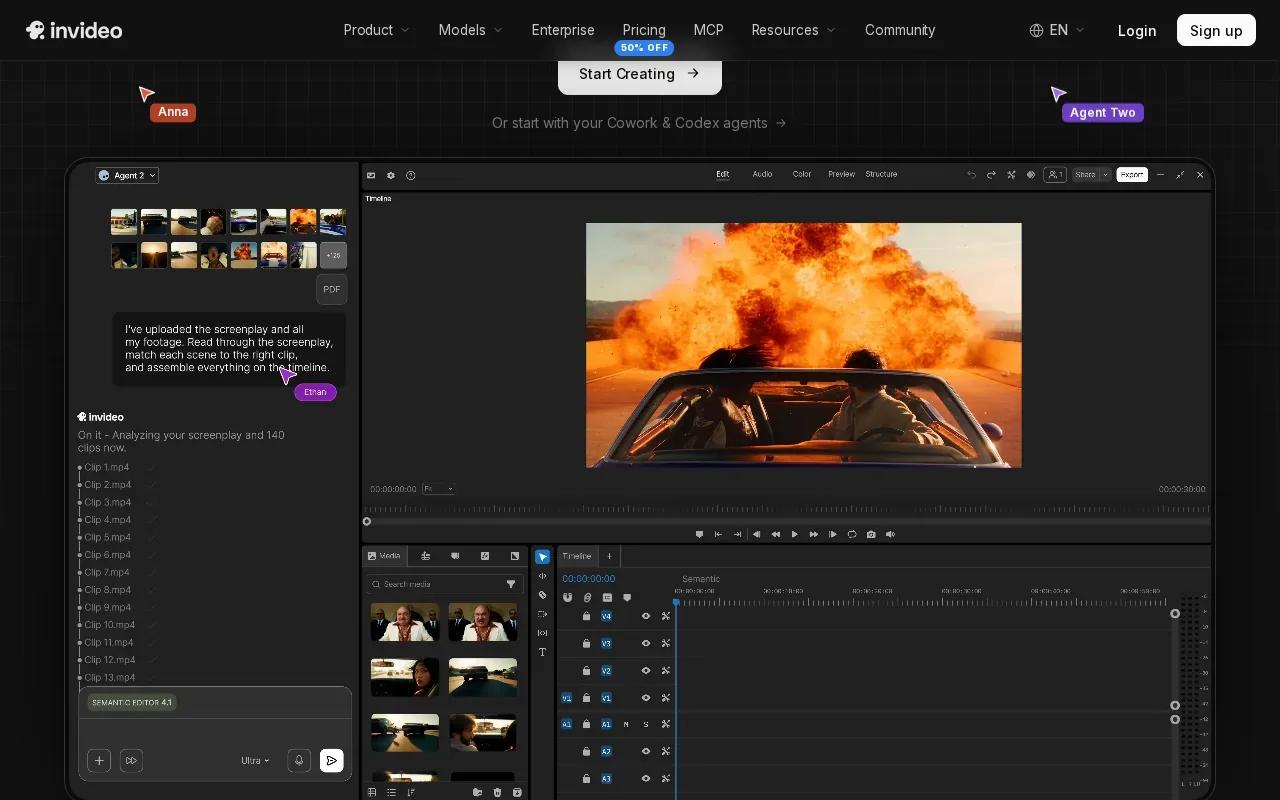
Its Starter plan includes 400 credits a month. Its audio includes built-in voice-over and music. For regular production, check how many credits your intended workflow uses before choosing a plan.
InVideo AI is a useful fit when the voice track helps hold the video together. If the key need is a character speaking naturally inside a generated scene, compare the lip-synced dialogue in your own sample before deciding.
8. Higgsfield AI: A broader creative workflow
Higgsfield AI is a creative workspace for making images, videos, and voice content from prompts or references. It suits creators who want generation and editing in a broader workflow.

You can edit and upscale media, automate creative tasks with its AI agent, and work on web or mobile. That range can help when a campaign needs several kinds of assets, not only a video clip. It also gives you a place to work from a text prompt or a reference image.
Before settling on a workflow, try a short test from the same brief you’ll use for the project. Check how much of the work happens in one place and whether its output fits the final channel.
9. Kapwing: Prompt-led projects with editing in the same workflow
Kapwing turns a prompt into a video project that you can edit in the same workflow. It suits creators who want a generated draft and a timeline for shaping it afterward.
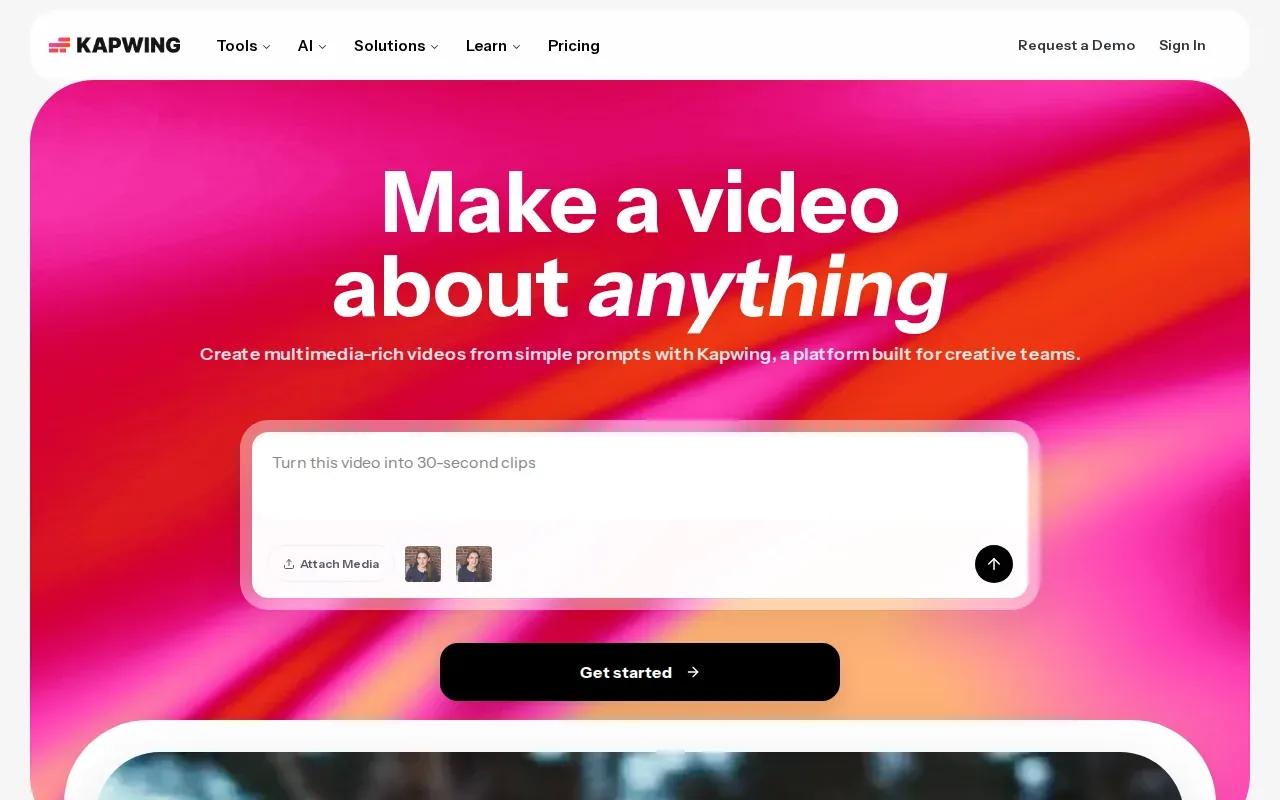
Its AI can build a project with visuals, voice-over, subtitles, music, and characters. The drag-and-drop timeline lets you trim clips or add overlays. That’s useful when a draft needs changes before it’s ready to share, rather than an untouched generated result.
Kapwing’s approach centers on the project as a whole. If your brief is a tightly directed scene, compare how its generated shots handle the camera action and character continuity you need.
10. Krea: Generate, edit, and enhance creative assets
Krea brings image, video, and 3D generation into a creative workspace. It suits creators who move between still assets and video while shaping an idea.
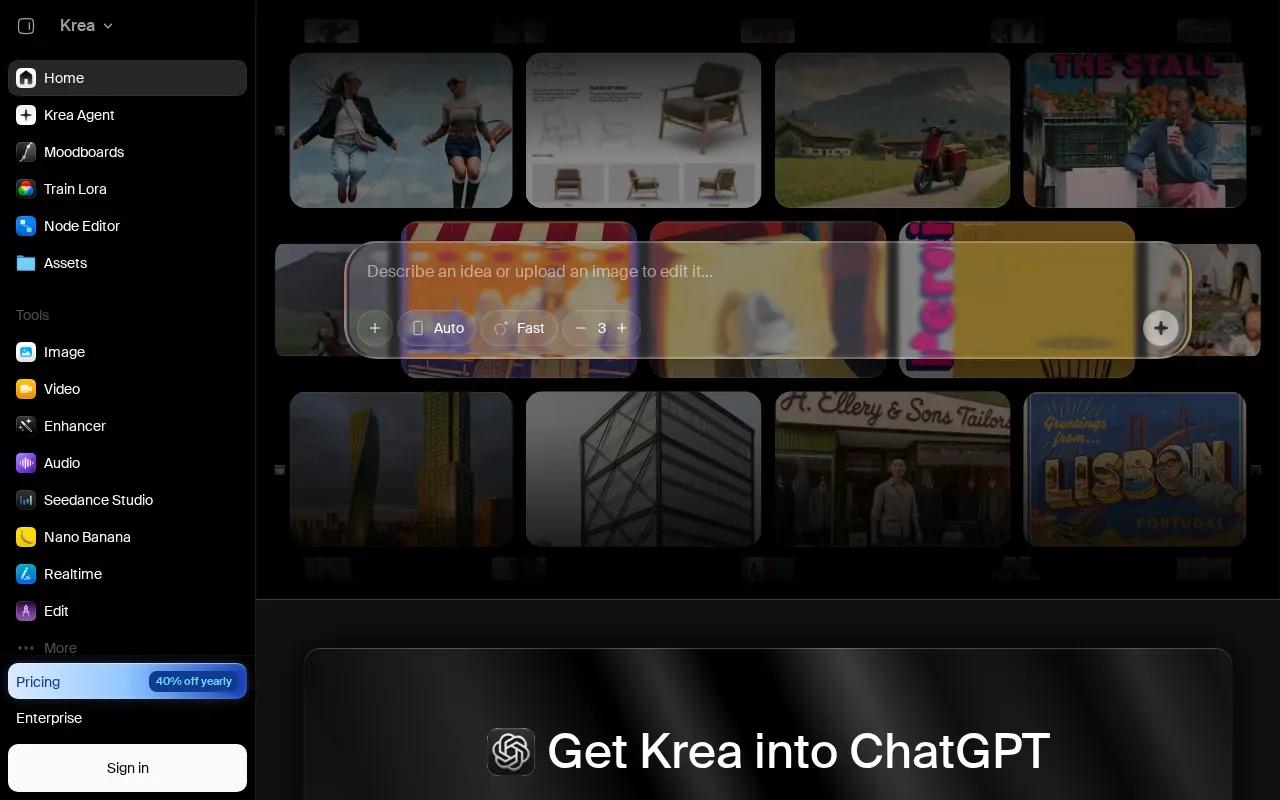
You can generate, edit, and enhance images, videos, and 3D content. These tools can help when you’re exploring a visual direction before choosing which images or video shots to keep.
Try it when your project includes more than one type of asset. For a finished video, check the generated motion and the final output against your brief before you build the rest of the edit around it.
AI Video Generators Compared: Tests, Criteria, and Trade-Offs
A fair comparison starts with the same short brief, not a different showcase prompt for every tool. Try a product reveal, a person speaking one clear line, and a simple camera move. For tools built around presenters or assembled videos, use a script that suits that workflow instead of expecting every product to make the same kind of clip.
Judge each result by what the job needs. Watch for motion that holds together across frames, a subject that follows the prompt, and audio that fits the action. Then note resolution, generation cost, and whether you had to make several attempts. A single winning clip can hide a workflow that uses too many credits for regular production.
| What you need | Options to consider | Check before committing |
|---|---|---|
| Directed scenes with sound | Veo Studio, Kling AI | Dialogue sync, reference use, and scene length |
| Cinematic shot control | Runway | How much frame-level editing the shot needs |
| Short social clips | Pika | Resolution and fit on the target feed |
| Presenter-led videos | Synthesia, HeyGen | Script, localization needs, and credit use |
| Prompt-led edits and mixed assets | InVideo AI, Higgsfield AI, Kapwing, Krea | How much assembly or editing remains after generation |
For a wider shortlist organized around different production jobs, see more options for selecting AI video production tools. Use the same brief across your finalists, but let each tool work in the format it’s built for.
FAQ
Which AI video generator is best for dialogue?
Veo Studio is a fit when you want generated dialogue synced with the scene. It’s an independent browser-based tool, and it can turn prompts or reference images into video with synchronized sound and dialogue. Kling AI also supports native audio, so test both with the line and scene style you plan to use.
Which AI video generator has free credits?
Several tools in this list have a free way to try them, but the allowances differ. Veo Studio's free plan includes a couple of 720p videos a month with no card required, and Kling AI gives a daily credit allowance. Check each plan’s limits against your expected output.
What should I compare when choosing an AI video tool?
Compare visual quality, motion, prompt fit, resolution, sound, and the cost of making usable clips. Use a prompt that matches your actual job, such as a spoken product demo or a short social hook. Then check whether the tool’s editing workflow fits your team and how many tries your budget can support.
Can AI video generators keep a character consistent?
Some tools provide character or reference controls, but results depend on the tool and the scene. Veo Studio lets you attach reference images to guide a character, and HeyGen lets you build a custom avatar from your own likeness. Test the same character across the shots you need before planning a longer project around it.
Conclusion
For prompt-led scenes with synchronized dialogue, reference-image guidance, and output up to 4K on paid plans, start with Veo Studio. For more output, check Veo Studio’s plans and credit packs.


