
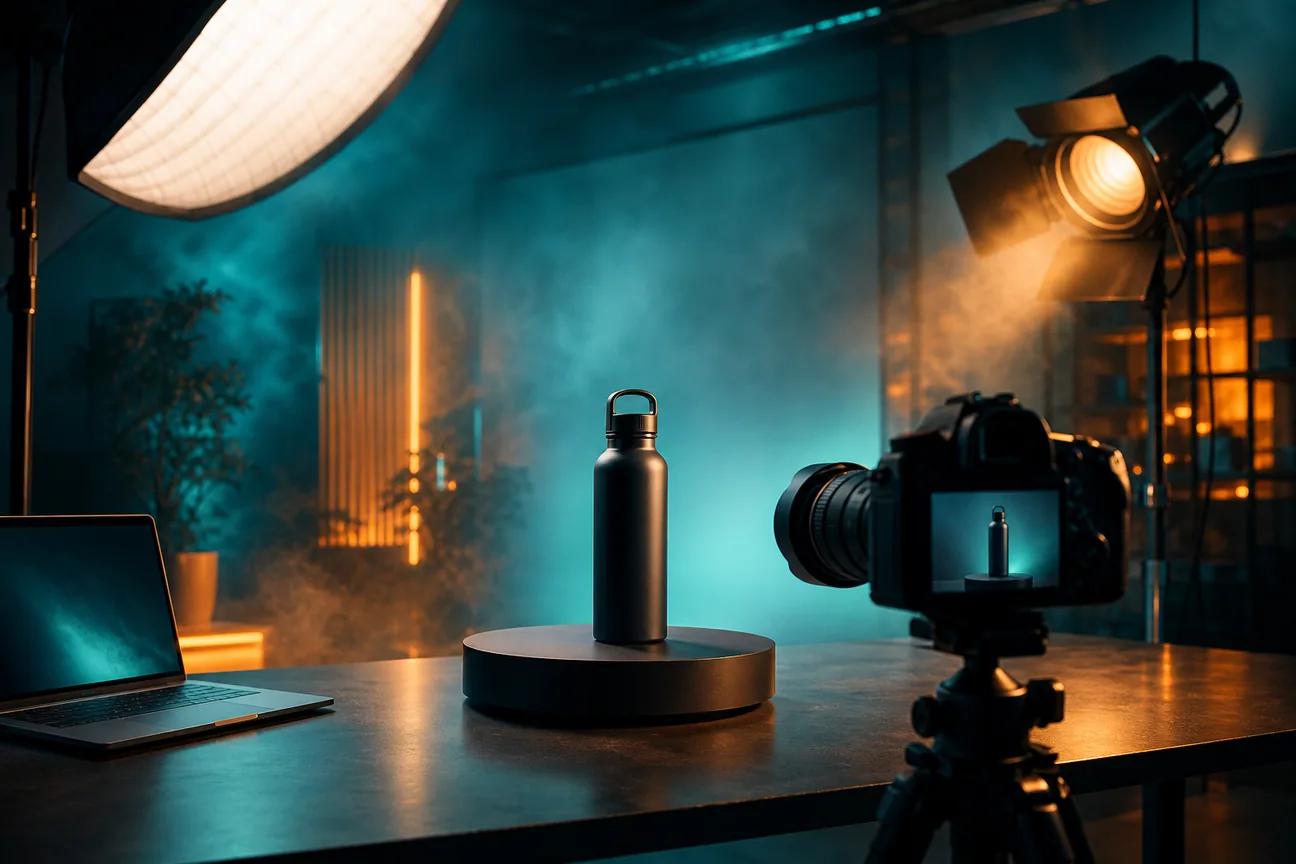
A good product video answers a buyer’s question before they scroll away. These product video ideas cover six useful formats, from a quick reveal to a customer story, plus ways to plan and share each one.
We analyzed 34 YouTube comments about product video Ideas and found that 29% mentioned specific equipment and gear details.
1. Unboxing and First Impressions: Make the Reveal the Hook
An unboxing video shows what arrives and what someone notices first. It suits products where packaging, included parts, setup, or the first look can help a buyer picture the purchase.
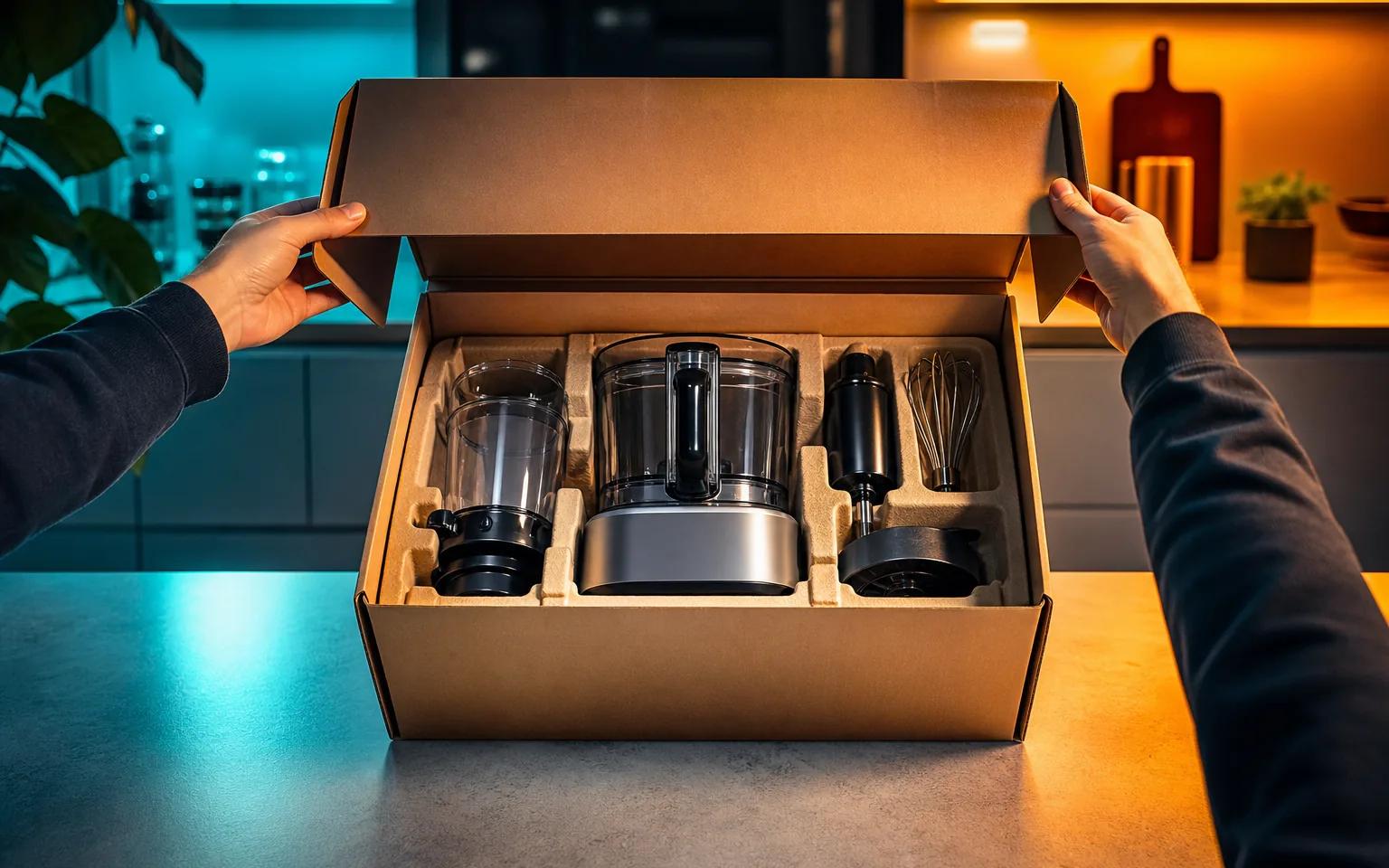
Start with the sealed package in frame, then let the reveal happen at a pace viewers can follow. Keep the background tidy and the camera far enough back to hold the product in focus. Show the item close up once it’s out, then use it. A box opening on its own leaves the viewer with only half the story.
If you’re planning the shot order, this product video planning guide can help you shape a hook, product moment, and next step. For this format, the sequence might be simple: show the package, reveal one detail, then demonstrate the first use. Capture a few close shots while filming. They can give you options for social edits or a product page.
Sound can make the reveal feel more immediate. Keep the real rustle or click if it’s clear, or add a short voiceover that names what’s included. Don’t script a fake reaction. If a person is sharing a first impression, let them describe what they actually noticed.
Use this format when a buyer might ask, “What will I get?” If the package itself isn’t part of the value, move quickly to showing the product in use.
2. 360-Degree Product Showcase: Highlight Details From Every Angle
A 360-degree showcase turns a product in a steady, continuous view. It works well when shape, finish, or construction is hard to judge from a single photo, such as a shoe, a small accessory, or a piece of home décor.
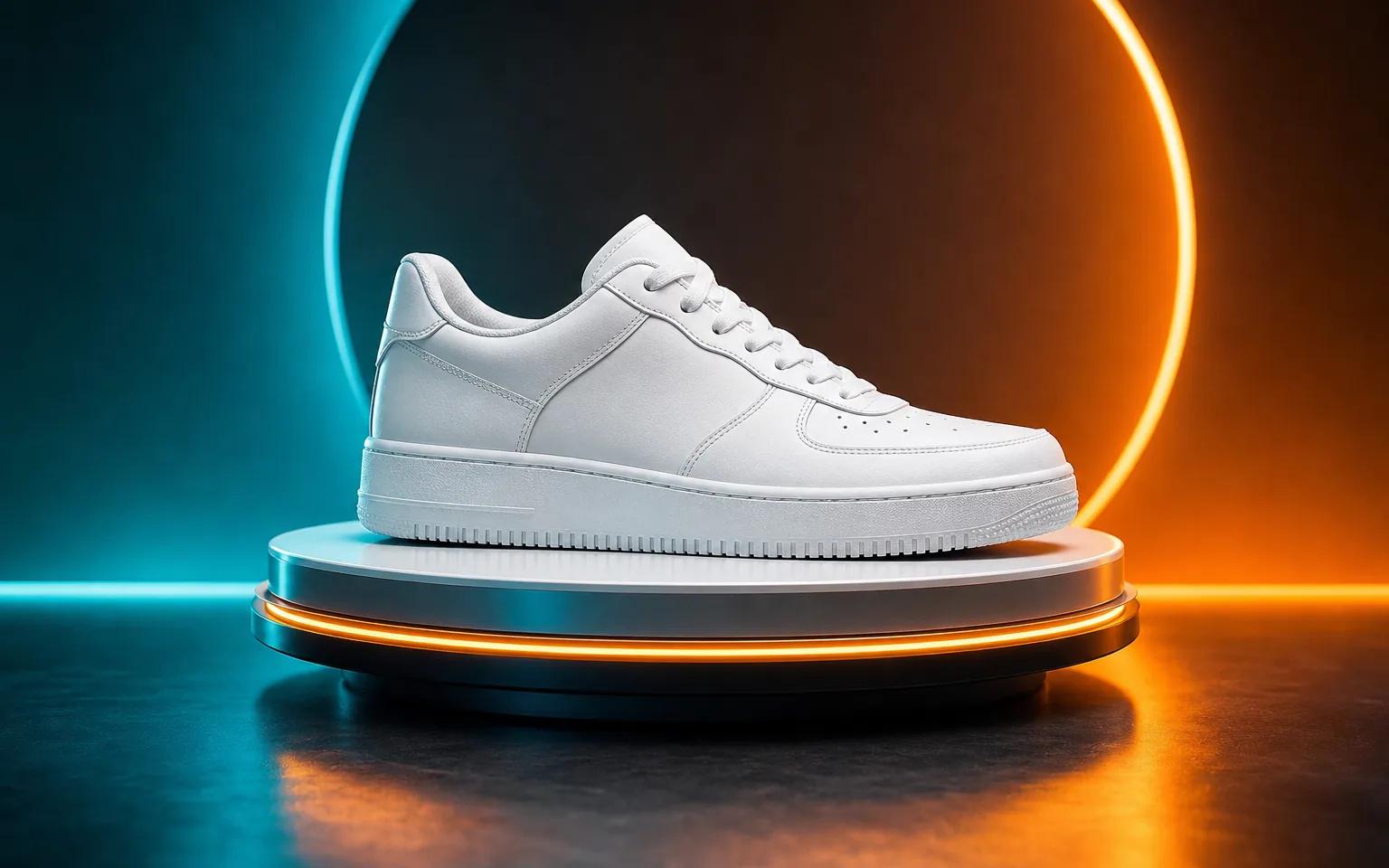
For a physical shoot, place the item on a turntable and keep the lighting steady as it rotates. A consistent background helps the viewer focus on the shape rather than a changing scene. Add close views of the features that could affect a buying choice, such as a clasp, a seam, or a control dial.
Think of the video as a guided inspection, not a spin for its own sake. A shopper looking at a bag may want to see the sides, the opening, and how the strap attaches. Show those details in a clear order. If you have only a few product photos, use them to plan the angles you still need to capture.
Veo Studio is an independent, browser-based AI video creation tool. You can prompt with text or use reference images to guide a moving product shot. Its first- and last-frame control can help shape a transition between two stills, though the final result should be checked against the actual product before publishing.
A 360 view can also be embedded on a product page or cut into a short social clip. Keep the same visual style across related products so shoppers can compare them without relearning the format.
3. Problem-Solution Demo: Show the Product at Work
A problem-solution demo opens with a familiar hassle, then shows the product addressing it. This is a strong fit when a product’s use is easier to understand by watching than by reading a feature list.
Pick one problem. Show it briefly, demonstrate the product’s action, and end on the result the footage can actually support. A storage item might be shown fitting into a tight space. A kitchen tool could be shown doing one task. Keep the claim narrow. One demonstration doesn’t prove that the product solves every related problem.
Before you film, write a three-part shot list: the opening problem, the product action, and the closing view. Add a short line of spoken copy or on-screen text only if it helps explain what viewers are seeing. For a dialogue-led scene, Veo Studio can generate synchronized sound and dialogue with the video. It also supports character consistency and scene extension, so you can build related shots without starting a new scene each time.
Use a phone, daylight, and a stable surface if you’re filming on a small budget. Clear audio matters more than a fancy backdrop when someone needs to hear a spoken demo. If you generate a draft from a product photo, check the shape, label, and proportions carefully before using it as product proof.
For more ways to match a product message to a format, browse these video marketing examples by channel. Keep this demo focused on one buyer question, then point viewers to the product page or the next step that fits your campaign.
4. Lifestyle-in-Use Video: Put the Product in a Real Routine
A lifestyle video shows a product in a familiar moment. It helps when buyers need to picture where an item fits into their day, rather than learn a long set of instructions.
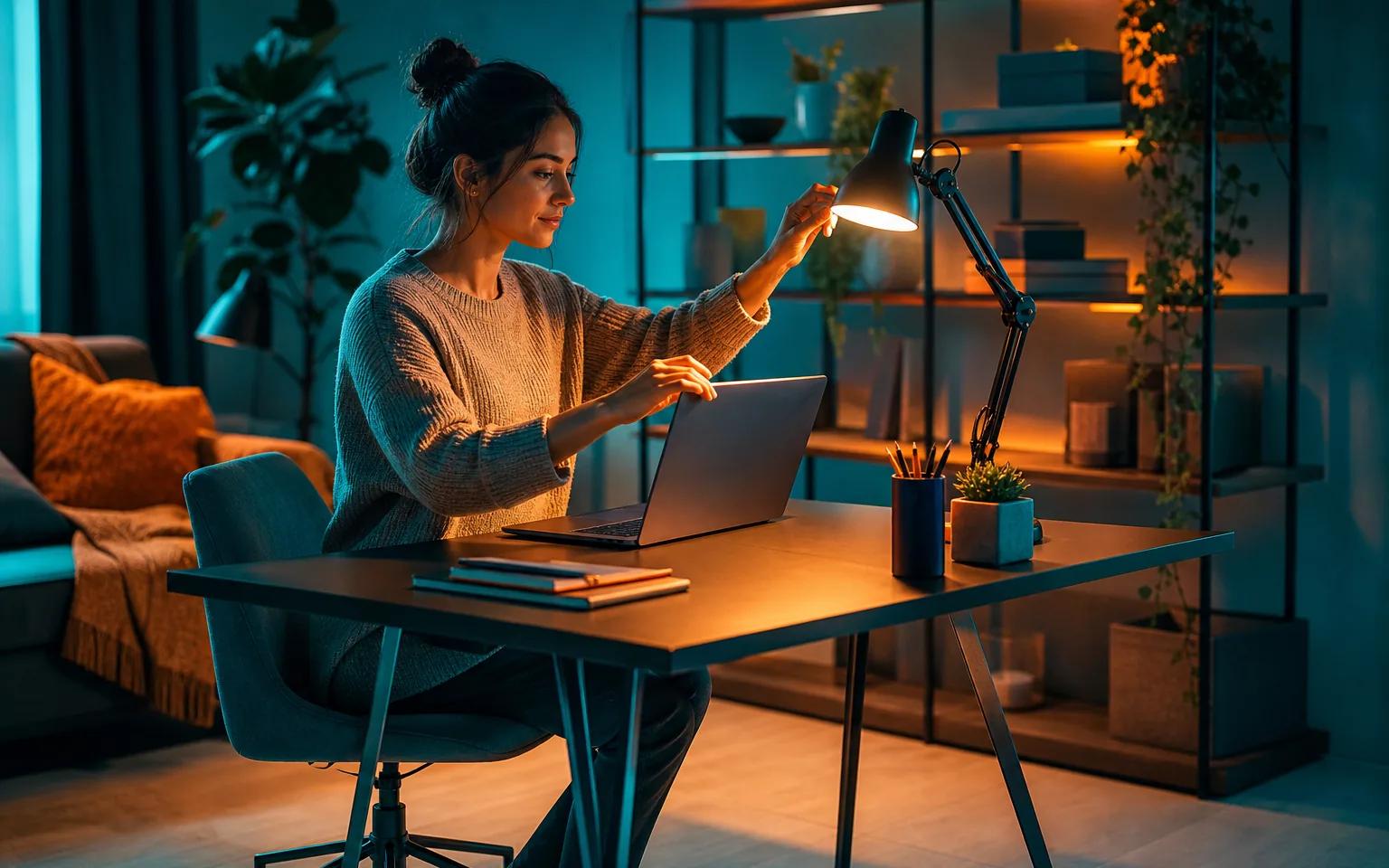
Choose a routine that naturally uses the product. A desk lamp could appear as someone settles in to work near evening. A reusable lunch container might be packed before a commute. Keep the product visible, but don’t make every shot feel like a sales pitch. The setting should support the use, not distract from it.
Plan the clip around three moments: the setting, the product in use, and a final view that makes the item easy to recognize. If you’re filming with a phone, wipe the lens and use a window for soft light. Set the phone on a shelf or tripod to avoid shaky footage. Record room sound if it adds context, but don’t let music cover speech.
AI video can help you test a scene before arranging a shoot. With Veo Studio, you can upload reference images and describe a camera move or setting. Its up-to-4K output is available on paid plans. Treat generated footage as a creative draft, then confirm that the product details match your real item.
For social posts, shape the opening so the routine is clear on a phone screen. A short caption can name the setting or use case. A product page can use a calmer cut that gives viewers more time to inspect the item.
5. Before-and-After Transformation: Make the Change Visible
A before-and-after video shows a visible change linked to a product’s use. It suits items that can affect an observable state, such as an organizer, a cleaning tool, or a home accessory.
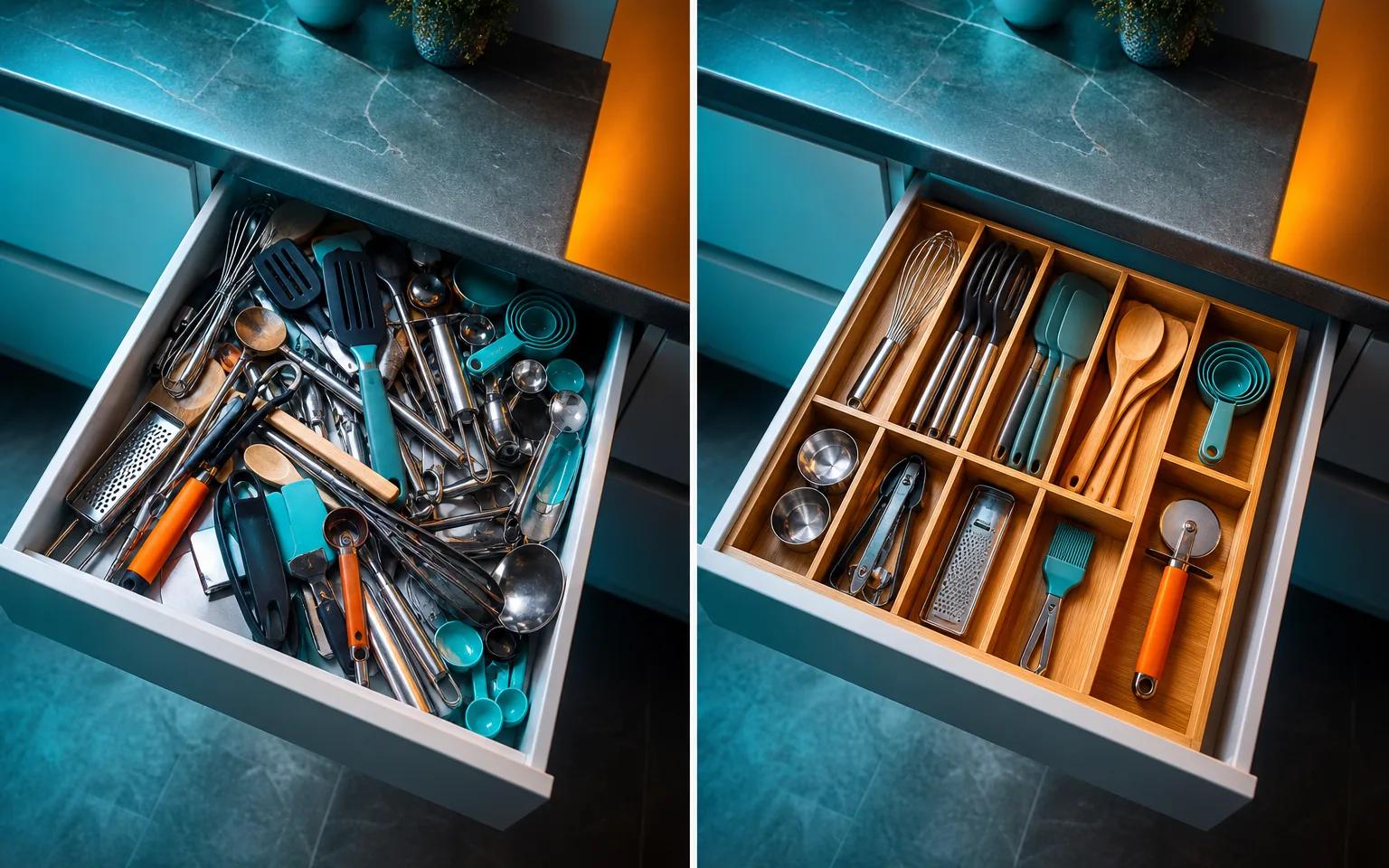
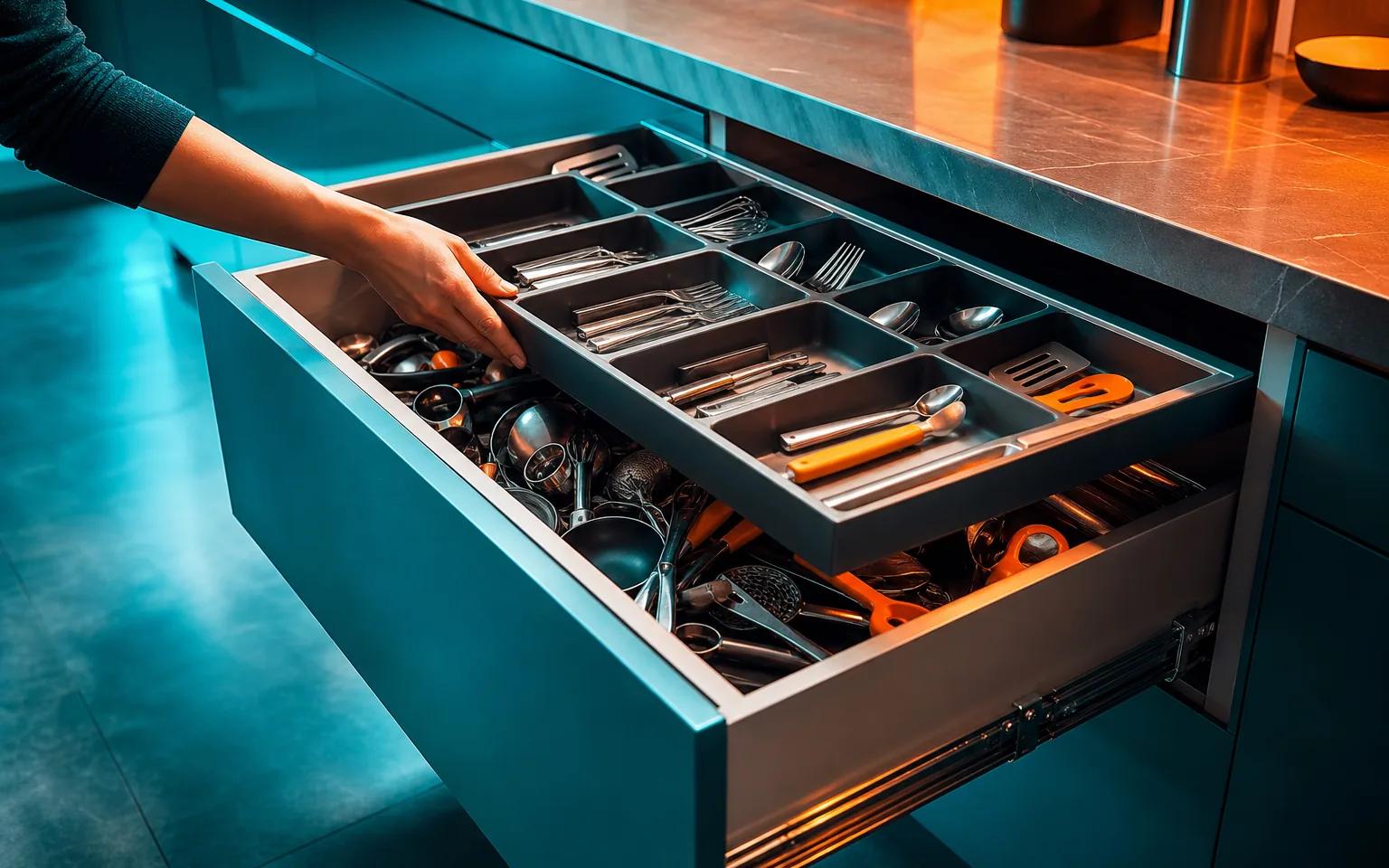
Keep the comparison fair. Film both states from the same angle with similar lighting and camera settings. If the “before” is a cluttered drawer, show the same drawer after using the organizer. That makes the change easier to assess and avoids a distracting shift in framing.
Make the action between the two views clear. Show the product being used, or add a brief caption that explains what changed. Don’t imply that a single clip proves a medical, performance, or long-term result. If the outcome depends on time or repeated use, say so in the video and use evidence you can support.
This format can work as a short social clip or as a more detailed product-page video. On social, open with the result to create a reason to keep watching, then show how it began. On a product page, the starting state can come first so the product’s role stays clear.
Before-and-after footage can also help viewers assess scale. Keep the same object or space in both shots, and avoid adding items that weren’t present in the first view. A small, honest change is more useful than a dramatic edit that leaves buyers unsure what they’re seeing.
6. Customer Story or UGC-Style Video: Let a User Tell the Story
A customer story puts a real user’s experience at the center. It works when a buyer needs to hear how someone used the product, what question they had, or what changed for them.
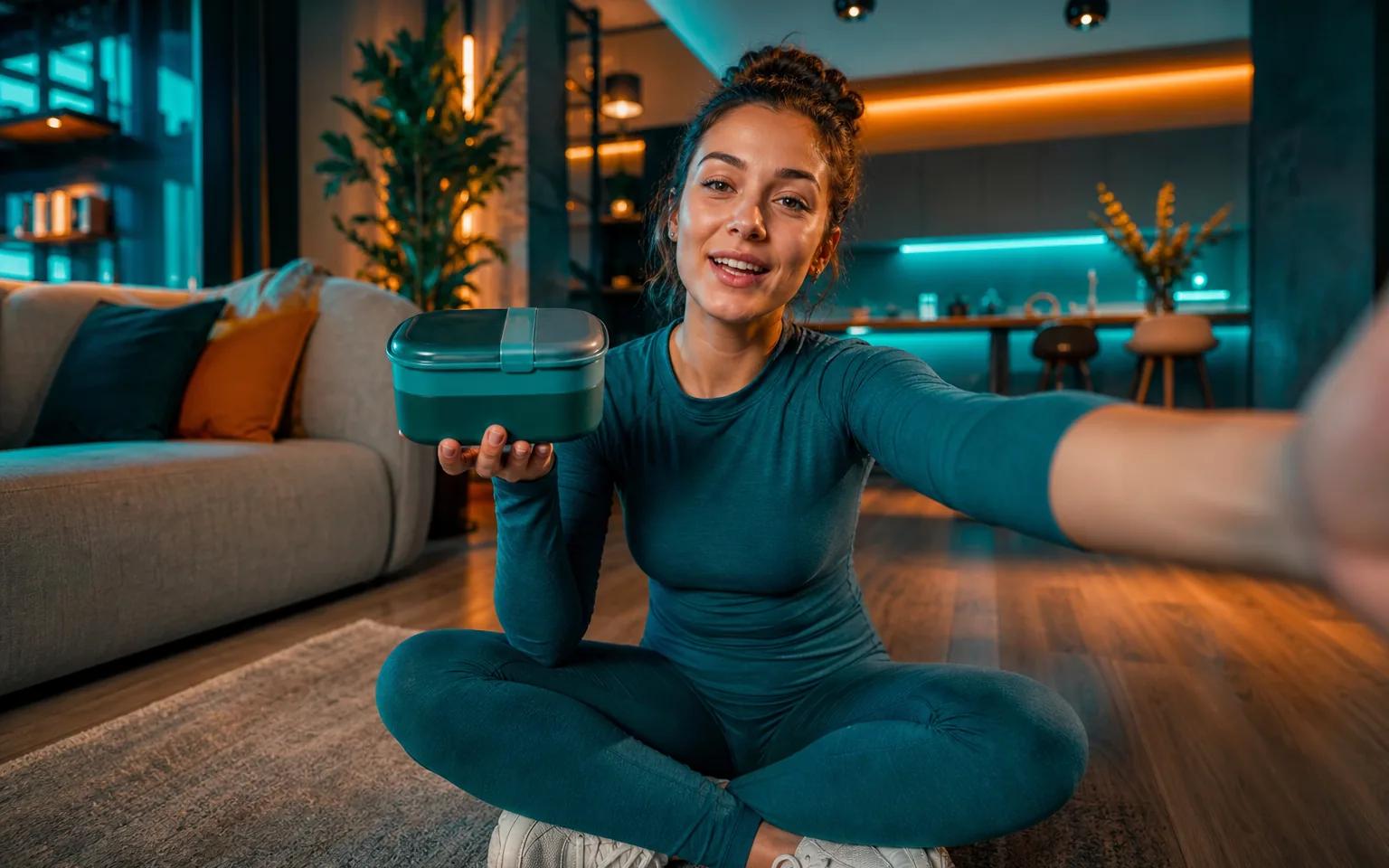
Ask a user to explain the situation in their own words. A few prompts can help: What were you trying to do? How did you use the item? What stood out? Keep the speaker’s answer honest and specific. A real account doesn’t need a perfect script to be clear.
For a low-cost shoot, use a quiet room and a phone at eye level. Face the speaker toward a window, and record a short test to check the sound. Film extra detail shots of the product in use. Those can cover edits without interrupting the person’s story.
AI can help shape a creator-style concept from product references, but it can’t stand in for a real person’s experience. Veo Studio can generate dialogue with synchronized sound; use that for a scripted scene, not a made-up testimonial presented as fact.
Compare the Six Product Video Ideas by Goal
Pick the format based on the question a viewer needs answered. Then choose where that answer belongs: a product page, a social feed, or a paid ad.
| Format | Best use | What to show | Where to start |
|---|---|---|---|
| Unboxing | Show what arrives | Package, contents, first use | Social or product page |
| 360-degree showcase | Help viewers inspect details | Steady rotation and close views | Product page |
| Problem-solution demo | Explain how it works | One hassle, action, visible result | Ad or product page |
| Lifestyle-in-use | Show where it fits | A familiar routine | Social or brand page |
| Before-and-after | Show a visible change | Fairly matched before and after shots | Social or product page |
| Customer story | Share a real user’s view | Specific experience and product use | Product page or paid ad |
For search, give a product video a clear title and place it beside useful page content. Track the result that fits the goal, such as product-page engagement, click-throughs, or purchases, rather than judging every video by views alone.
A launch can pair a short teaser with a live Q&A, then reuse useful answers as short clips. For paid promotion, test different openings while keeping the product claim the same. That helps you learn whether the hook or the format needs work.
FAQ: Product Video Ideas
What should a product video include?
A product video should show the detail or action a buyer needs to understand. Start with one clear point, then show the product doing something that supports it. Add a short caption or voice line if it makes the scene easier to follow. End with a next step that fits the viewer’s intent, such as viewing the product page.
How do I make a product video on a budget?
You can make a useful product video with a phone, a stable surface, and window light. Clean the lens, remove clutter from the frame, and record a short sound check before filming. Plan a few shots in advance so you don’t waste time repeating scenes. For generated drafts, review product details closely before publishing.
What length should a product video be?
A product video should be long enough to answer one question and no longer than the message needs. A quick reveal may need only a few shots, while a tutorial or customer story needs room for context. Cut pauses and repeated points. For social, make the opening understandable even if someone watches without sound.
Where should I post product videos?
Post a product video where it can answer the viewer’s next question. Use a product page for inspection or a demo, social platforms for discovery, and ads to test a focused message. You can also share useful clips in email or support content. Adapt framing and captions to the channel instead of posting one identical cut everywhere.
Conclusion
Start with the buyer’s question, then choose the format that answers it with visible proof. Pick one idea and draft a three-shot outline before you film; if you want to test a generated concept, explore Veo Studio’s browser-based workflow and reference-image controls.


