
A trip idea can become a short travel video before the trend dies. An AI travel video generator can build scenes from a prompt or image, but each tool handles sound, editing, and story flow differently.
We analyzed 37 YouTube comments about AI travel video generators and found that 16% mentioned monetization eligibility and policy compliance.
Here are six options for creators, travel brands, and marketers, with a clear look at what each one can do.
1. Veo Studio
Veo Studio is an independent, browser-based AI video creation tool powered by Google's Veo 3.1 models. It turns text prompts and reference images into video with synchronized sound and dialogue, character consistency, frame control, scene extension, and output up to 4K on supported settings.
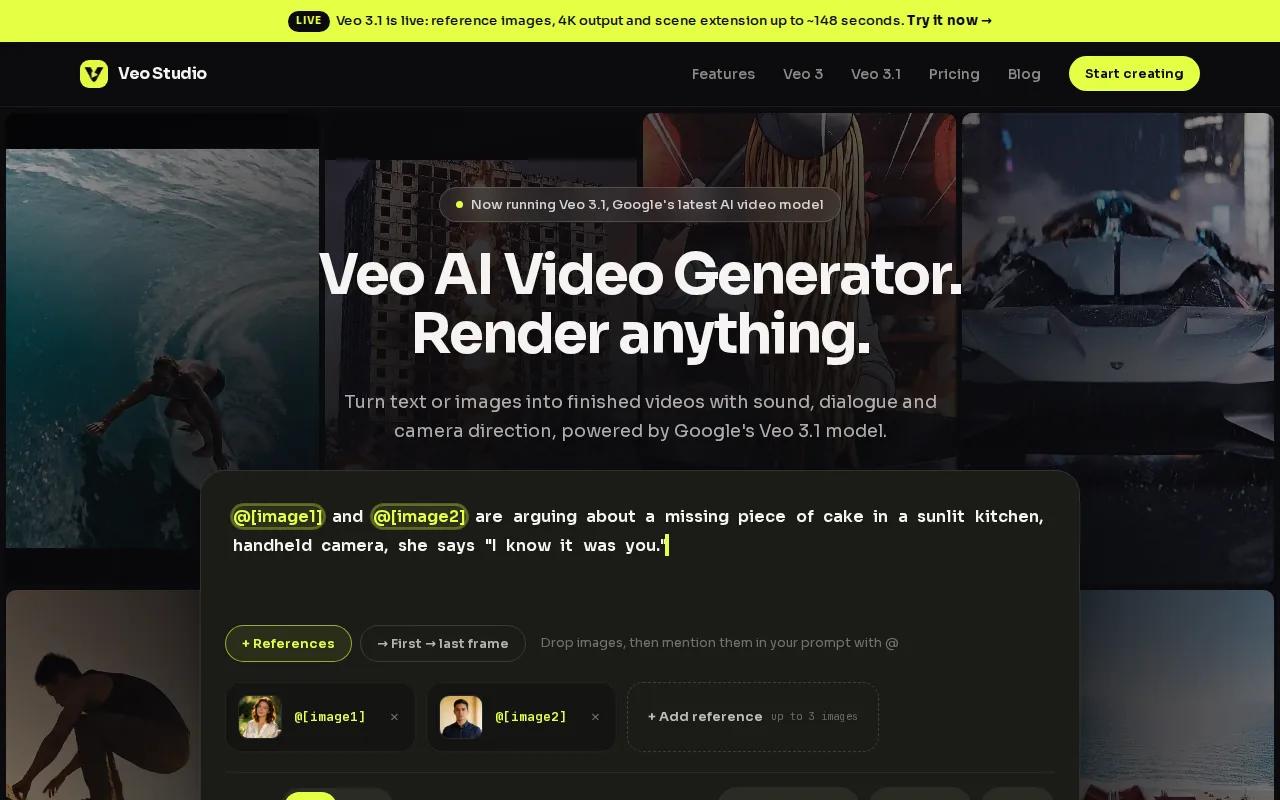
It fits creators who want a directed shot, rather than a sequence assembled from stock clips. Describe a travel vlogger beside a waterfall, for example, and include the camera move, ambient sound, and a spoken line. Veo 3.1 can generate the picture and matching audio together. Add reference images when a person or visual style needs to stay consistent.
Frame controls help shape a transition between two still images. Scene extension can add seven seconds at a time to supported 720p clips, up to roughly 148 seconds. That gives a scenic shot more room to breathe without asking you to film another take.
The free plan includes a couple of 720p videos each month, with no card required. Paid plans start at $14 per month and include higher resolutions, more video capacity, and a commercial license. For a prompt with a clear camera direction, the AI video prompt examples and templates can help you turn a location idea into a shot brief.
2. OpenArt: For Speaking Characters and AI Music
OpenArt combines video, character, and audio generation in one creative workspace. It suits creators building travel stories around a recurring host, mascot, or fictional guide.
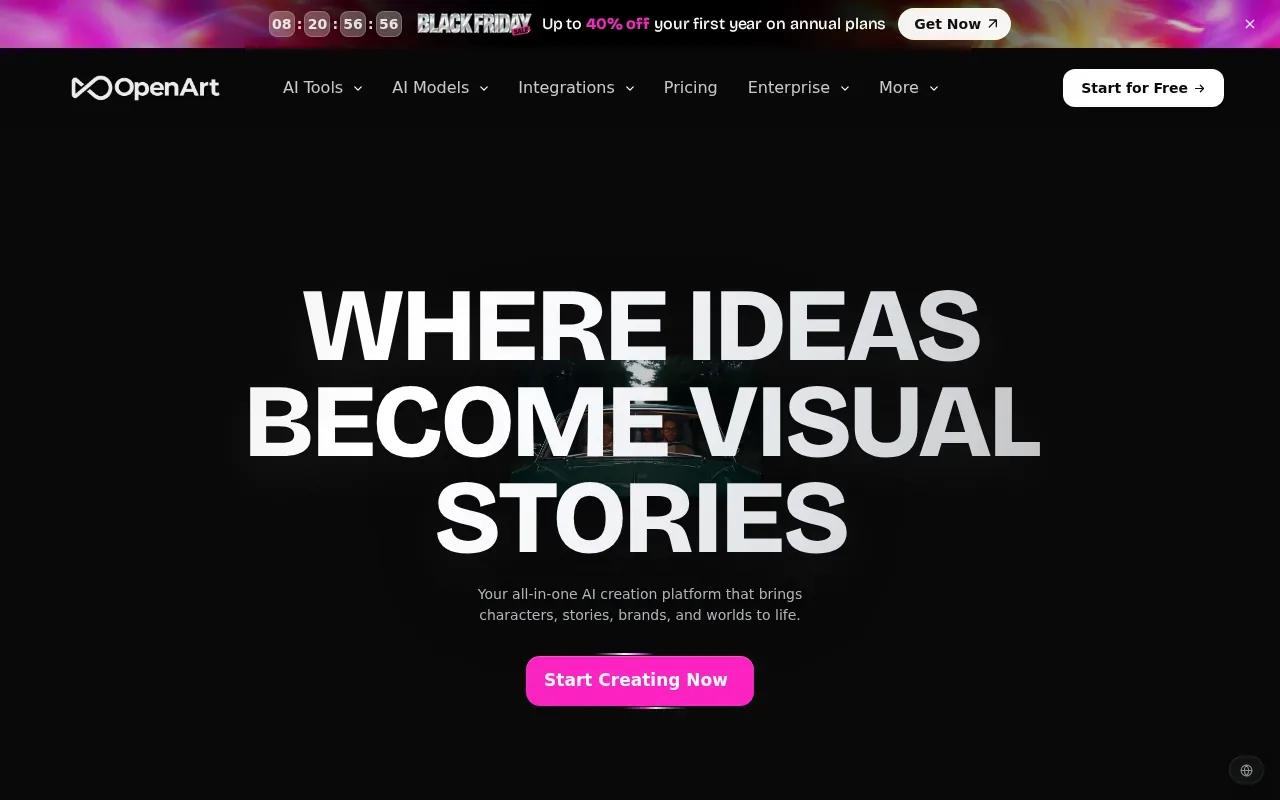
You can make videos with characters that speak using synced lip movements, then add original AI-generated music. Its reference image library lets you save and reuse characters across clips, which can help a series keep a familiar face. The tool also supports export of audio as WAV or MP3, useful when you need a separate sound file for another edit.
For a destination series, you might reuse one illustrated guide in scenes about a market, a city walk, and a coastal view. Then add dialogue or a music bed to give the set a shared tone. OpenArt can generate video at up to 4K, so it also suits creators who want detailed output for a larger screen or a crop into social formats.
Its strength is the mix of character-led visuals and audio in the same workspace. That can be handy when your travel idea depends on a person speaking on screen or a custom score, rather than only scenic footage. If you have a real place or person to depict, use reference material thoughtfully and check that you have the right to use it.
Choose OpenArt when a recurring character and generated music are central to the concept. For a simple scenic reel, those story tools may be more than you need.
3. CapCut: For Editing and Packaging Travel Shorts
CapCut combines AI travel video creation with tools for editing and packaging short-form clips. It fits creators who want to start with a prompt or photos, then shape the result for a social post.
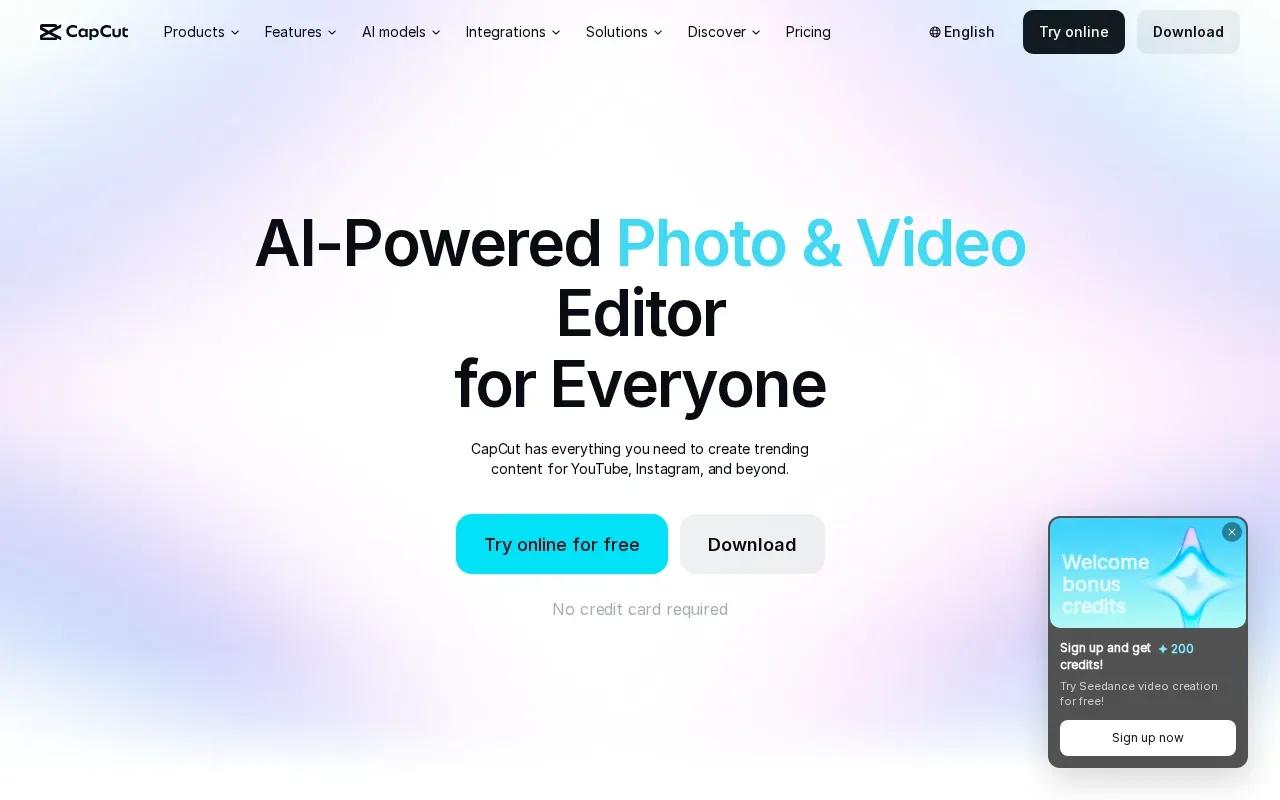
Its travel workflow can build scenes from text or images, add captions and voiceover, and match the generated material with stock or your own footage. You can adjust color and speed before exporting in vertical, square, or widescreen formats. For a tour operator, that can mean turning one itinerary idea into a draft, then trimming the message to suit a Reel or a wider website video.
Templates can help set a repeatable look for a series. Use one for a destination name or opening hook, then adjust the visuals and pacing to fit each trip. Keep the spoken script short, especially when the video has a quick scenic opening.
Upgrade tiers unlock higher resolutions and brand controls, and exports can reach 4K in several aspect ratios. Check export and licensing details before using a video in an ad or other commercial campaign.
If you're starting with still photos, a workflow for turning pictures into video can help you decide whether to animate a scene or simply arrange images on a timeline. CapCut makes more sense when hands-on editing and social packaging matter as much as generation.
4. Higgsfield AI: For Cinematic Camera and 4K Control
Higgsfield AI creates images, videos, and voice content from text prompts or references. It suits travel creators who want to shape the camera feel and refine footage in a browser-based workflow.
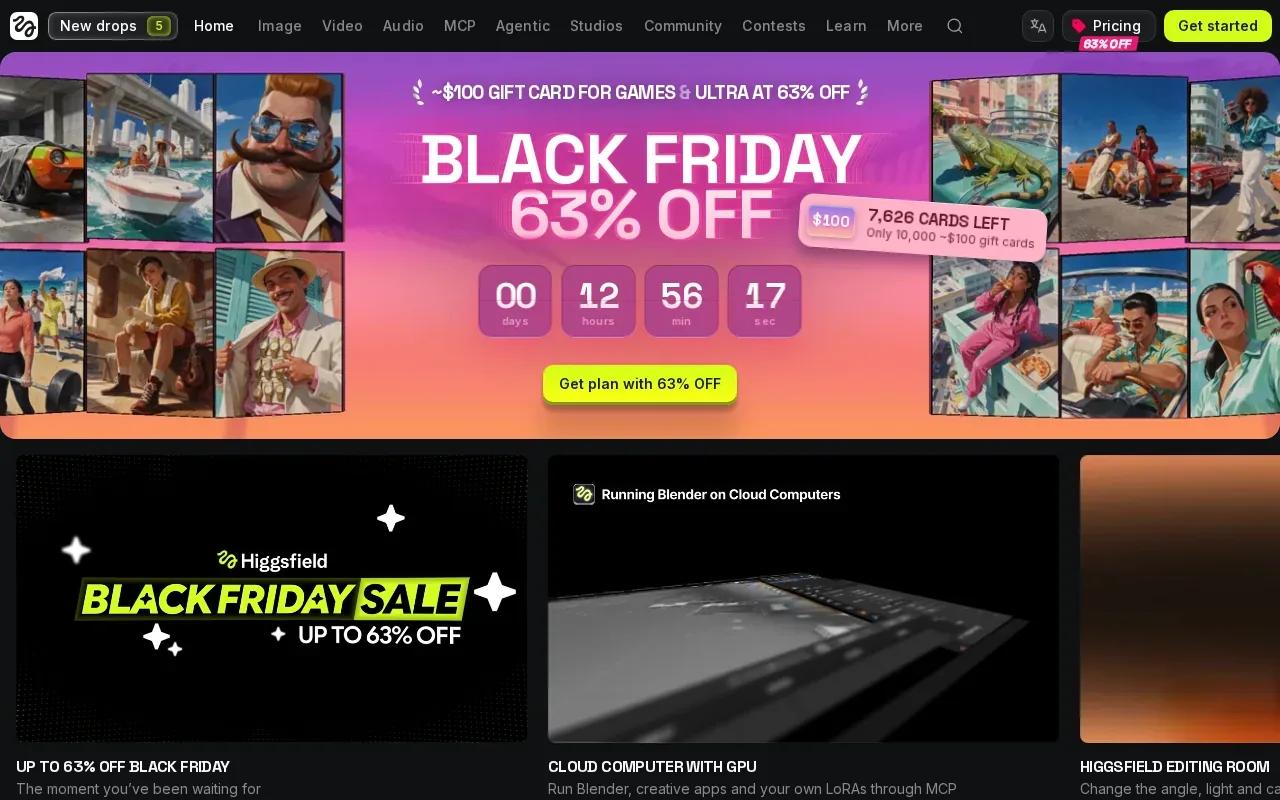
Its camera controls let you change the angle, light, and camera of a video. For a travel spot, you could describe a wide view of a coastal road, then ask for a slow tracking move that follows a car. Clear direction can help make a generated scene feel like part of a planned shot list.
Higgsfield supports up to 4K output. Its capabilities also include changing the angle, light, and camera of a video, plus editing and upscaling media. These controls are useful when you have a look in mind and want to adjust a scene, not only ask for a fresh generation.
Higgsfield runs generation and editing in the browser, with content created from prompts or references on web and mobile. That can suit a creator working from a laptop while traveling. Cloud workflows still depend on a stable internet connection, so plan for that before relying on them in a spot with weak service.
Use Higgsfield when camera direction and image refinement are the main goals. For a character-driven scene with synced dialogue, compare how the chosen model handles sound before you build the whole reel around it.
5. Fliki: For Scripted Travel Narration and Voiceovers
Fliki turns a blog post, script, or prompt into a video with AI voiceover, visuals, music, and captions. It fits travel marketers who have a clear message to narrate, such as a short destination overview or an itinerary highlight.
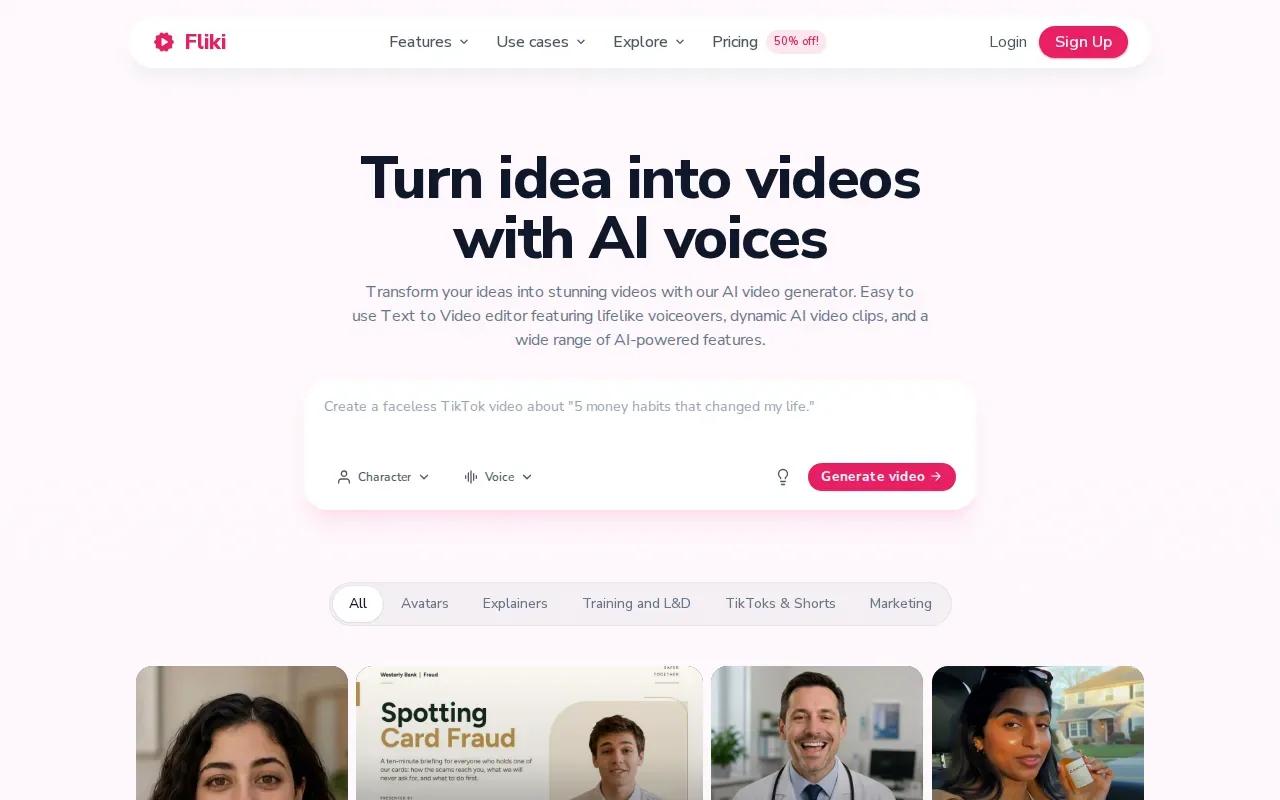
Start with a written outline, then let Fliki shape it into scenes. You can review the visuals and narration, adjust the script, and use captions for viewers watching without sound. This approach is also handy for repurposing a travel article into a short social video. The written piece provides the facts; the video gives them a brisk, visual form.
Fliki's built-in AI voiceover is synced to the video, and the tool can add music. It also supports a digital twin avatar that keeps the same face and voice across scenes. That option may suit a travel creator who wants a familiar presenter without recording every update on camera.
One trade-off matters for story planning: Fliki builds videos from separate scenes rather than extending one continuous shot. If your idea needs a single scenic shot to continue beyond its original length, plan to build the sequence from separate scenes instead.
Choose Fliki when the script and narration lead the project. A short voice track about a route or local attraction can carry the story while the visuals change around it.
6. Kapwing: For Prompt-Based Travel Video Projects
Kapwing can generate a full multi-scene video project from one prompt. It suits vloggers and social media teams who want an AI-assisted plan before they edit the final scenes.
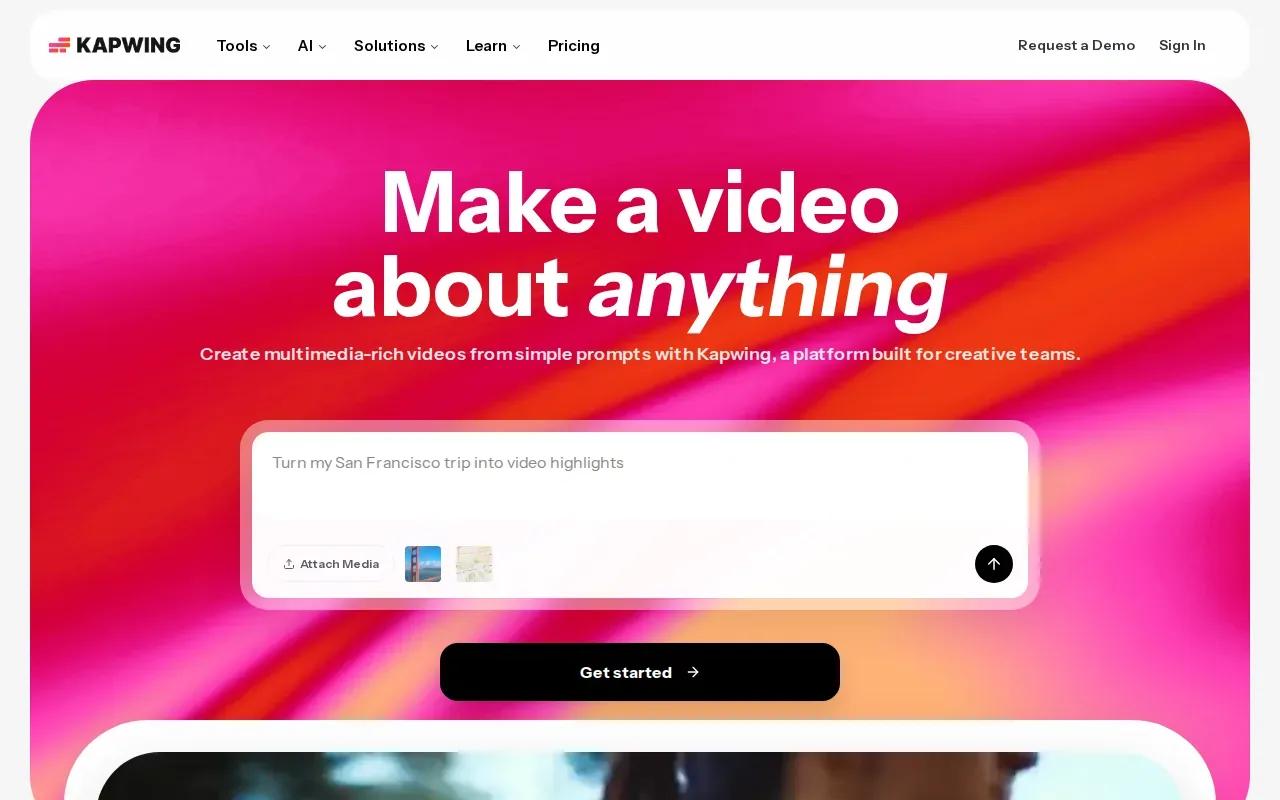
A destination prompt can start a full video project.
After generation, you can rearrange scenes, trim clips, replace shots, or adjust timing in the editor. Add subtitles, voiceovers, music, transitions, or brand assets, then export as MP4 or MOV. Kapwing also supports team collaboration in real time, which can help when a marketer drafts the project and a teammate handles the final edit.
For a travel vlog, one prompt might ask for an establishing view, a street-level cutaway, and a closing shot. Review the plan and adjust any scene that doesn't fit your real itinerary. Generated scenes are creative material, not proof that a location or event looks exactly as shown.
Kapwing is a fit when you want one prompt to map out a connected sequence, followed by browser-based editing and team review.
AI Travel Video Generators Compared
These tools take different routes. Use this table to match your production need to a workflow, rather than choosing on resolution alone.
| Tool | Useful for | Sound and story | Output or editing detail |
|---|---|---|---|
| Veo Studio | Directed scenes from text or reference images | Synced sound and dialogue, consistent characters, scene extension | Up to 4K on supported settings |
| OpenArt | Character-led travel stories | Lip-synced speech and AI-generated music | Up to 4K |
| CapCut | Social edits and format variants | Voiceover, captions, and music options | Vertical, square, or widescreen export |
| Higgsfield AI | Cinematic camera direction | Voice content and model-based sound options | Editing and upscaling, up to 4K |
| Fliki | Script-to-video narration | Synced AI voiceover and music | Scene-based videos with captions |
| Kapwing | Prompt-led multi-scene projects | Dialogue planning, voiceover, and music editing | Browser editor and team collaboration |
For an unfilmed scenic concept, start with a prompt-based video tool. If you already have trip photos, choose a workflow that can use references or lets you edit them into a sequence. If narration carries the message, make script tools your first test.
Frequently Asked Questions
Can AI make a travel video from a text prompt?
Yes, several tools can turn a text prompt into travel scenes. Veo Studio makes video from prompts or reference images, while Kapwing can plan a multi-scene project from one prompt. Fliki can build a narrated video from a script or prompt. Describe the place, one main action, the camera move, and the mood to give the tool a clear brief.
Which tool can add narration to a travel video?
Fliki is built for turning a script or prompt into a video with AI voiceover, visuals, music, and captions. Veo Studio can generate synchronized sound and dialogue with its video. OpenArt supports characters speaking with synced lip movements. Pick based on whether you need narration over scenes or a character speaking within one.
Can I use AI-generated travel videos for marketing?
Yes, but check the tool's license and the rights for any images, music, or other material you add. Veo Studio's plans include a commercial license. For any campaign, review the current terms before publishing or running paid ads.
How do I make a travel video fit TikTok or Reels?
Choose a vertical format before you generate or edit, then keep the main subject near the center of the frame. CapCut supports vertical exports and can add captions. Veo Studio supports portrait output on supported settings. Review the final crop on a phone so place names and key details stay easy to see.
Can I make a scenic AI video longer than the first clip?
Veo Studio supports scene extension for eligible 720p clips, adding seven seconds per step up to roughly 148 seconds. Other workflows may let you assemble separate shots in an editor, but that is different from extending the same continuous scene.
Conclusion
For travel scenes that need synced sound, recurring characters, or a longer continuous shot, start with Veo Studio. If your project is mostly narration or hands-on editing, test Fliki or CapCut against the same short script.


