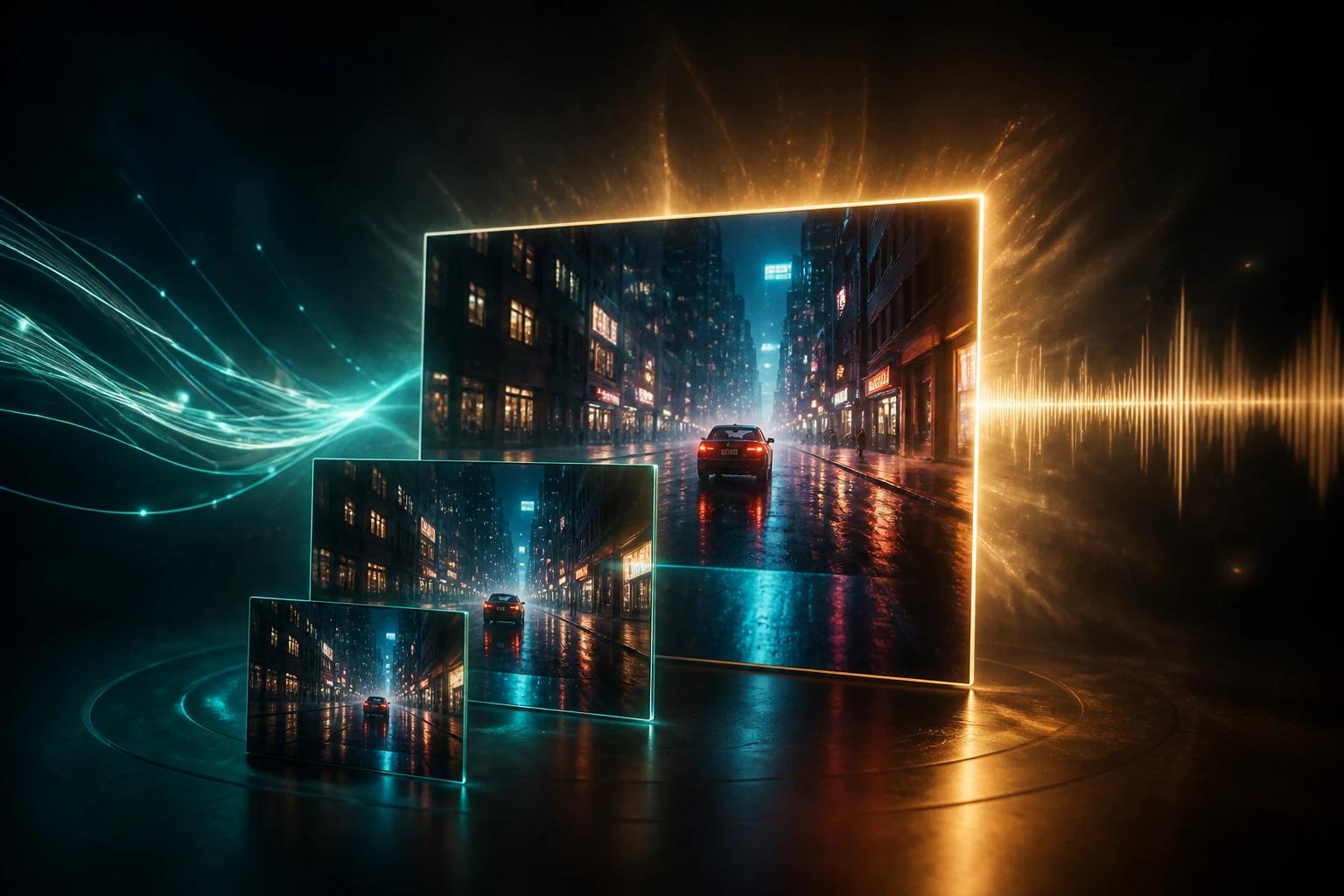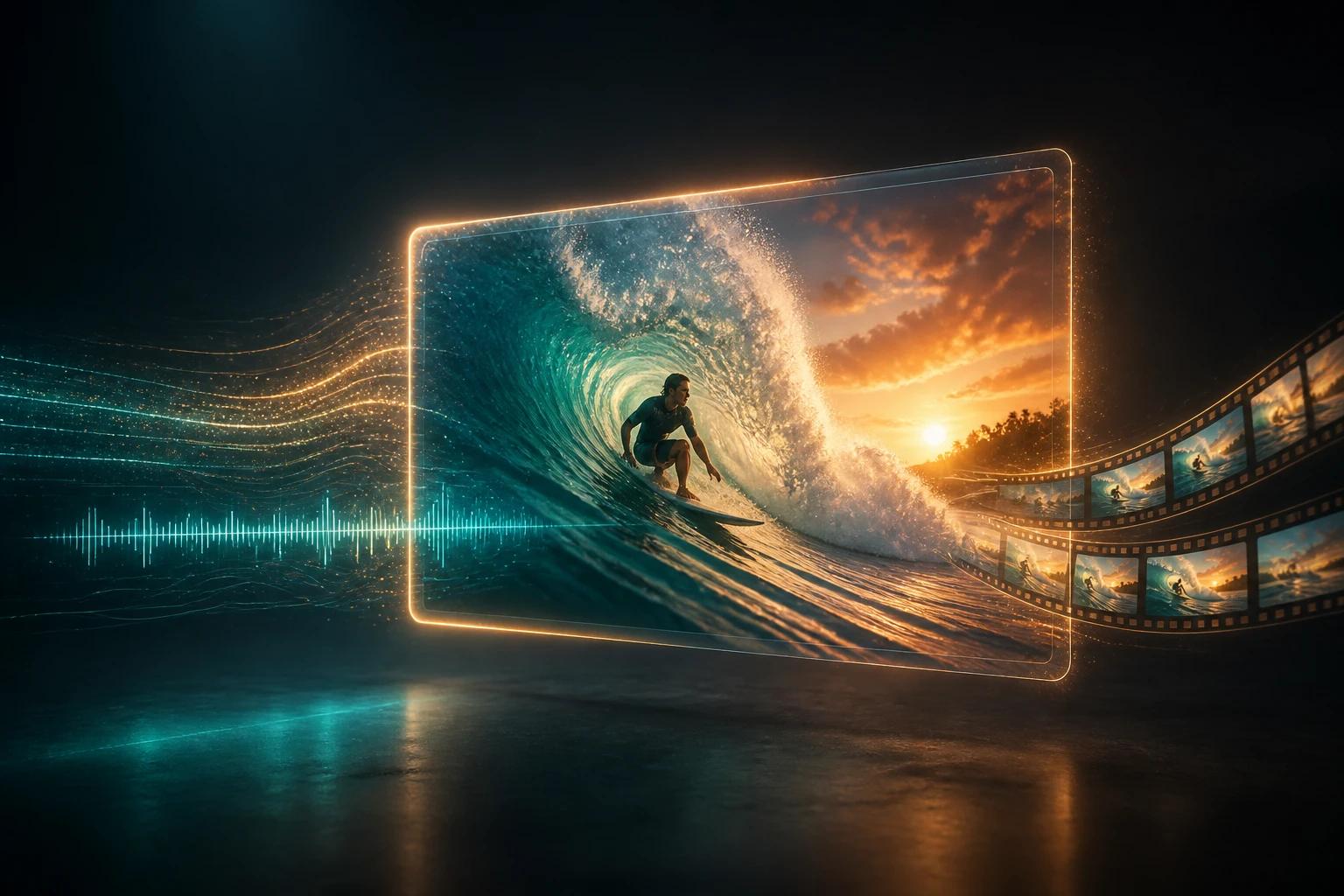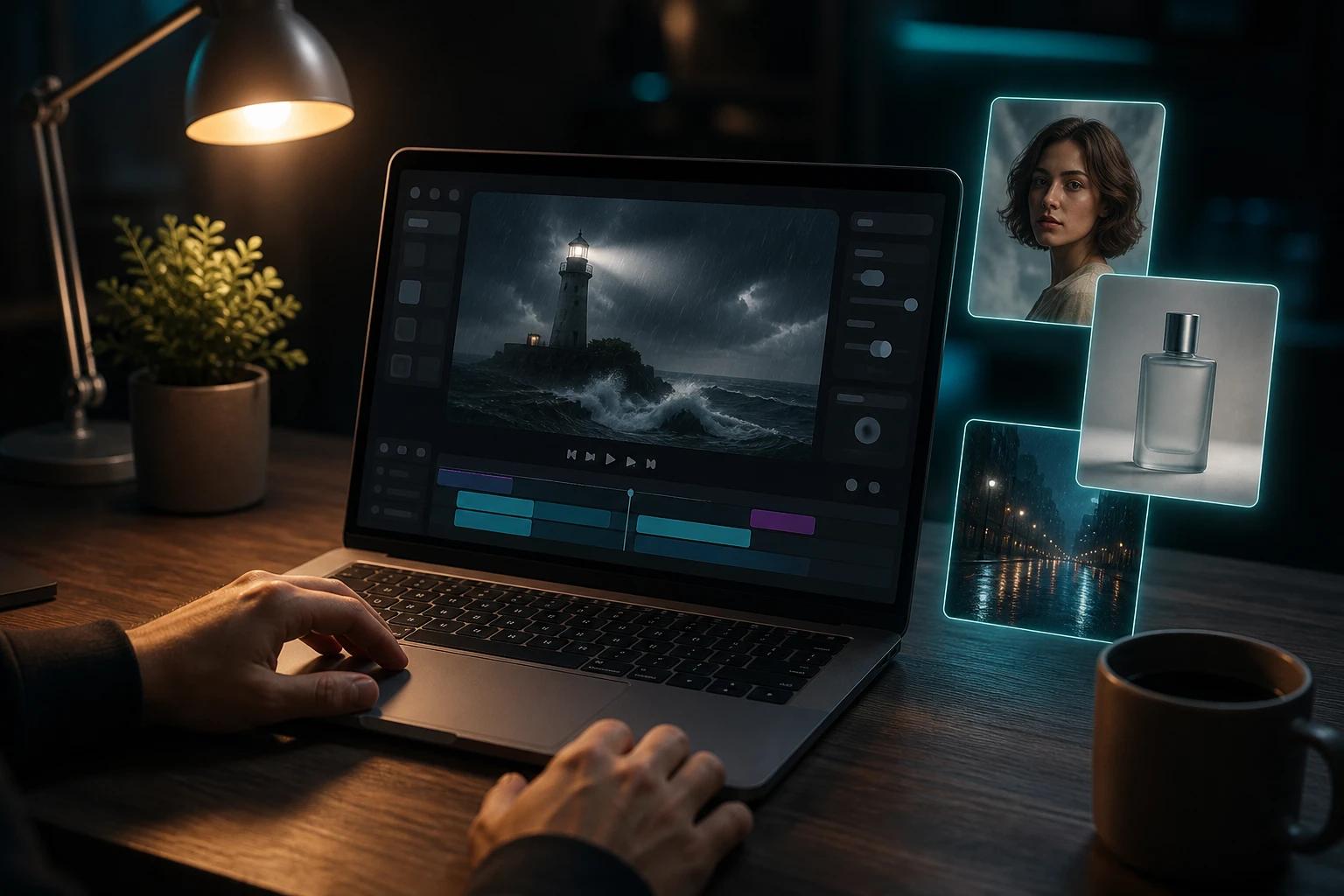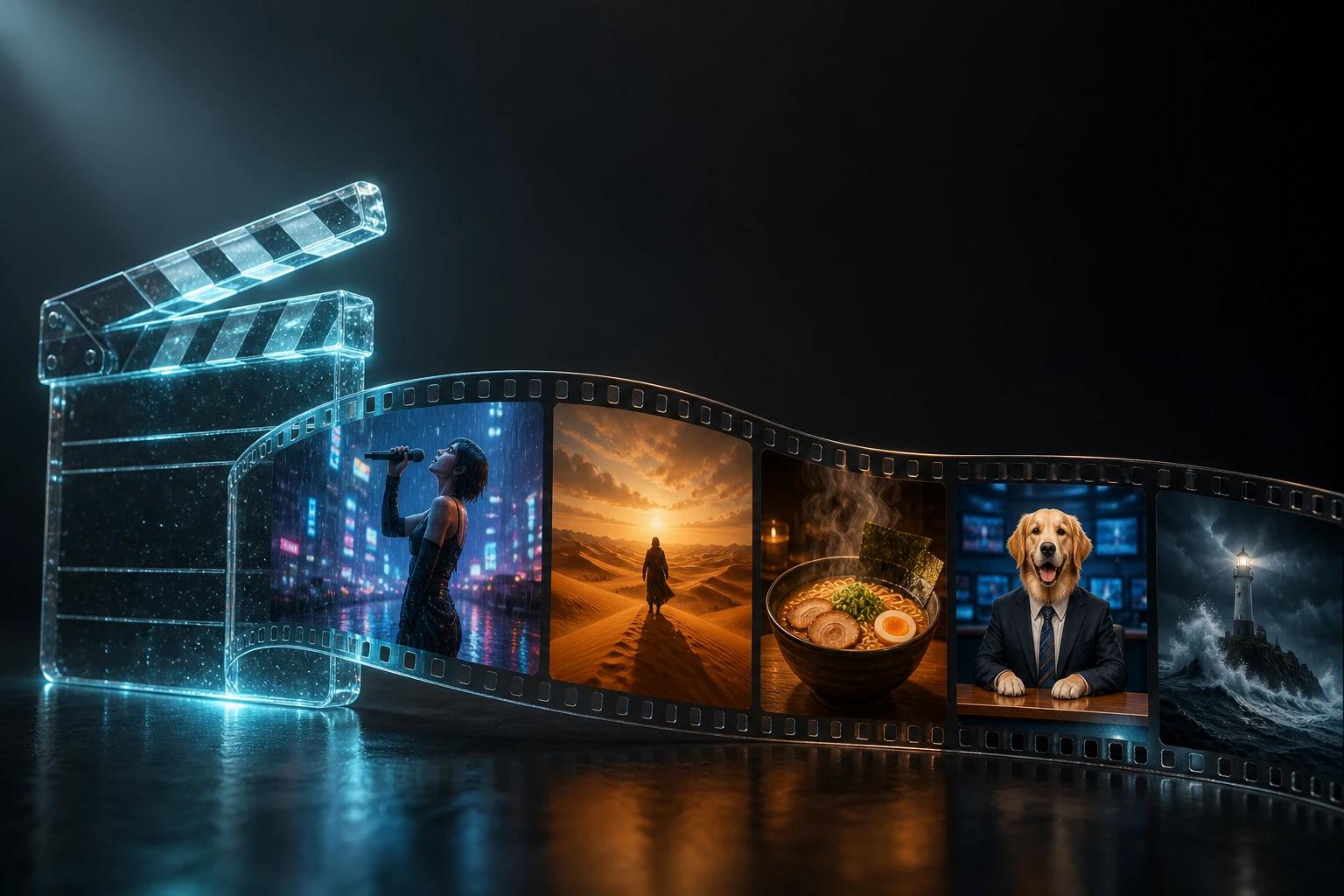
Los mejores prompts para Veo 3 se leen como un guion técnico, no como una lista de deseos. Indica la cámara, el sujeto, la acción, el lugar, el estilo y el sonido, en ese orden, y Veo 3.1 te hará mucho más caso que a una frase vaga.
En esta guía de prompts para Veo 3 encontrarás la fórmula, un glosario rápido de cámara y audio, seis plantillas para copiar y pegar y más de 40 ejemplos de prompts listos para usar en anuncios, cine, redes sociales, diálogos y mucho más. Todos los prompts funcionan en Veo 3 y Veo 3.1; la sección avanzada cubre funciones que solo tiene la 3.1.
Verás que los prompts de ejemplo están en inglés: es el idioma en el que Veo sigue las instrucciones con más precisión. Aun así, si quieres que tu personaje hable en español, puedes escribir el diálogo entre comillas en español.
La fórmula del prompt para Veo
[Camera] + [Subject] + [Action] + [Setting] + [Style & light] + [Sound]Ejemplo:
Medium shot, a tired night-shift nurse, sipping coffee from a paper cup by a hospital window, city lights blurred outside, cool blue fluorescent light with a warm glow from the vending machine, realistic, shallow depth of field. Ambient: distant beeping monitors, a quiet hum. She sighs and says, "Two more hours."¿Quieres probar los prompts mientras lees? Abre Veo Studio en otra pestaña; el plan gratuito no pide tarjeta.
Anatomía de un buen prompt para Veo
Cada parte de la fórmula controla algo distinto. Si te saltas una, Veo rellena el hueco a su manera, y casi siempre con algo genérico.
| Parte | Qué controla | Flojo | Bueno |
|---|---|---|---|
| Cámara | Encuadre, ángulo, movimiento | "a video of" | "low-angle tracking shot" (travelling en contrapicado) |
| Sujeto | Quién o qué aparece en pantalla | "a woman" | "a woman in her 60s with silver braids and a yellow raincoat" |
| Acción | Qué pasa y en qué orden | "walking" | "steps off the tram, opens her umbrella, looks up at the rain" |
| Lugar | Sitio y momento | "in a city" | "a narrow Lisbon street at dusk, wet cobblestones" |
| Estilo y luz | Aspecto y ambiente | "cinematic" | "warm streetlight against blue hour, 35mm film grain, shallow focus" |
| Sonido | Diálogo, efectos, ambiente, música | nada | "rain on the umbrella, a tram bell, she laughs and says, 'Of course it's raining.'" |
Cuatro reglas que valen para cualquier prompt:
- Un plano por clip. En un clip de 8 segundos caben un movimiento de cámara y una o dos acciones. ¿Necesitas más? Usa marcas de tiempo (lo verás en la sección avanzada) o varios clips.
- Mejor concreto que ingenioso. Nombra colores, materiales, edades, objetivos y momentos del día.
- El orden cuenta. Empieza por lo esencial: la cámara y el sujeto son lo que más pesa.
- Di lo que quieres, no lo que no quieres. "An empty desert road" funciona mejor que "no cars". Deja las exclusiones para cosas como los subtítulos.
Movimientos de cámara y tipos de plano en Veo: guía rápida
El lenguaje de cámara es la parte más potente de un prompt para Veo. Estos términos los entiende sin problema.
Tipos de plano
| Término | Qué obtienes | Para qué usarlo |
|---|---|---|
| Extreme wide shot | Sujeto diminuto en un espacio inmenso (gran plano general) | Transmitir escala, paisajes |
| Wide shot | Cuerpo entero más el entorno (plano general) | Acción, situar la escena |
| Medium shot | De cintura para arriba (plano medio) | Conversaciones, presentadores |
| Close-up | La cara o el producto llenan el encuadre (primer plano) | Emoción, detalle de producto |
| Extreme close-up | Un solo detalle: un ojo, la esfera de un reloj (plano detalle) | Drama, texturas, tomas macro de producto |
| Over-the-shoulder | Por encima del hombro de una persona hacia otra | Escenas con diálogo |
| POV | A través de los ojos del sujeto (plano subjetivo) | Inmersión, acción, atracciones de feria |
Movimientos de cámara
| Término | Movimiento | Sensación |
|---|---|---|
| Dolly in / dolly out | La cámara se acerca o se aleja | Tensión, revelación, intimidad |
| Tracking shot | La cámara acompaña al sujeto (travelling) | Energía, viaje |
| Pan / tilt | La cámara gira a izquierda y derecha / arriba y abajo sin desplazarse (panorámica) | Recorrer una escena, mostrar la altura |
| Crane shot | La cámara sube o baja (plano de grúa) | Revelación épica, planos de apertura y cierre |
| Orbit / arc shot | La cámara rodea al sujeto | Tomas principales de producto, momentos dramáticos |
| Aerial / drone shot | Vista alta, en vuelo | Viajes, inmobiliaria, escala |
| Handheld | Ligero temblor natural (cámara en mano) | Documental, UGC, realismo |
| Locked-off / static | Sin movimiento (plano fijo) | Entrevistas, calma, ritmo de comedia |
| FPV drone | Vuelo rápido y en picado en primera persona | Acción, adrenalina, deportes |
Objetivo, enfoque y luz
- Objetivo: wide-angle lens, 50mm, 85mm portrait lens, macro lens, anamorphic.
- Enfoque: shallow depth of field (poca profundidad de campo), deep focus, rack focus from A to B (cambio de foco de A a B), soft focus.
- Luz: golden hour, blue hour, overcast soft light, hard noon sun, neon, candlelight, rim light, backlit silhouette.
- Estética: 35mm film grain, 16mm documentary, VHS, glossy commercial, stylized 3D animation, anime, stop-motion, black and white noir.
Cómo escribir prompts de audio y diálogo en Veo
Veo 3 y 3.1 generan el sonido junto con la imagen, así que la banda sonora forma parte de tu prompt. Dale a cada capa su propia frase corta.
| Capa | Cómo escribirla | Ejemplo |
|---|---|---|
| Diálogo | Quién habla + cómo lo dice + palabras entre comillas | The old captain growls, "Nobody leaves this ship." |
| Efectos de sonido | "SFX:" + sonidos concretos ligados a acciones | SFX: boots on a metal deck, a heavy door slams. |
| Ambiente | "Ambient:" + el mundo sonoro de fondo | Ambient: wind howling, waves hitting the hull. |
| Música | Género, instrumentos, energía | A low cello drone builds tension. |
Consejos para los diálogos
- Sé breve. En un clip de 8 segundos caben de 8 a 12 palabras. Las frases más largas salen atropelladas.
- Identifica a quien habla por algo visible: "the woman in the green coat says…" (la mujer del abrigo verde dice…).
- Describe la voz: "whispers" (susurra), "shouts over the music" (grita por encima de la música), "in a warm Southern accent" (con un cálido acento sureño), "deadpan" (impasible).
- ¿Dos personajes? Escribe sus frases en orden:
He asks, "Ready?" She grins and answers, "Always." - Evita los subtítulos no deseados añadiendo "no subtitles".
Vídeo sin sonido o solo con música
Veo añade sonido por defecto. Para un plano limpio, escribe "no dialogue, only natural ambient sound". Si vas a poner tu propia música después, escribe "no music" para que el audio sea fácil de editar.
Plantillas de prompts para Veo 3 (para copiar y pegar)
Sustituye lo que va entre corchetes y tendrás un buen prompt en menos de un minuto.
1. Escena cinematográfica
[Shot size and camera move] of [subject with 2-3 visual details], [action in order], in [setting and time of day]. [Light], [film look], [mood]. Ambient: [background sound]. [Music, if any].2. Anuncio de producto
[Orbit / slow dolly-in / macro] shot of [product, colour, material] on [surface] in [studio or lifestyle setting]. [Action: product rotates, liquid splashes, lid opens]. [Glossy commercial lighting / soft daylight], clean background, sharp focus on the product. SFX: [product sound]. [Upbeat / minimal] music.3. Vídeo UGC hablando a cámara (vertical)
Handheld selfie-style vertical video, a [age, look] [creator] in [casual location], talking straight to camera with natural gestures. Natural window light, authentic social-media look. She says, "[hook line, 8-12 words]." Ambient: [room sound]. No subtitles.4. Diálogo entre dos personas
[Two-shot / over-the-shoulder] of [character A] and [character B] in [setting]. [A's action] as [A] says, "[line]." [B's reaction], then [B] replies, "[line]." [Light and mood]. Ambient: [background]. No music.5. Imagen a vídeo (animar una imagen fija)
[Camera move] as [what moves in the image]. [Secondary motion: hair, smoke, water, leaves]. Keep the original look and composition. SFX: [sound]. Ambient: [background].6. Gancho para redes que frena el scroll
Vertical 9:16, [unexpected subject] [doing something surprising] in [ordinary place]. [Fast camera move]. Bright, punchy colours. [Sound effect that lands on the key moment]. [Character] says, "[short punchline]."41 ejemplos de prompts para Veo 3 según el uso
Copia cualquiera de ellos en Veo Studio tal cual o cambia el sujeto por el tuyo. Todos siguen la fórmula de arriba.
Cine y cortometrajes
1. El farero
Slow crane shot rising from a lone lighthouse keeper lighting an oil lamp to reveal the lighthouse on a cliff in a violent storm at night. Lightning flashes, waves explode on the rocks. Moody teal and amber palette, 35mm film grain. SFX: thunder, crashing surf. A deep orchestral swell.2. Cafetería noir
Close-up, black and white noir, a detective in a fedora stirring black coffee in an empty all-night diner, rain streaking the window, neon sign flickering outside. He mutters, "Same town, same lies." Ambient: rain, a buzzing fridge. Slow jazz saxophone.3. El último tren
Tracking shot along a nearly empty subway platform at 2 a.m., a young woman in a red coat running for the closing train doors, fluorescent lights humming. Handheld, gritty realism. SFX: echoing footsteps, door chime, train brakes hissing.4. Caminante en el desierto
Extreme wide shot, a lone figure in a dark cloak walking across endless orange sand dunes at golden hour, long shadow stretching behind. Heat haze, anamorphic lens flare, epic and lonely. Ambient: wind over sand. A single sustained cello note.5. Despedida en la cocina
Static medium shot, an elderly man and his adult daughter at a small kitchen table in soft morning light, two cups of tea between them. He squeezes her hand and says, "Call me when you land." Ambient: clock ticking, birds outside. No music.Producto y publicidad
6. Zapatilla deportiva en primer plano
Slow 360-degree orbit around a white running sneaker floating above a glossy black surface, colored light streaks sweeping across it. Glossy commercial lighting, ultra sharp detail. SFX: deep whoosh as the light passes. Pulsing electronic beat.7. Sérum entre salpicaduras
Macro slow-motion shot, a frosted glass serum bottle on wet stone as clear water splashes around it in droplets, soft diffused daylight, fresh mint-green background. Clean, minimal, luxurious. SFX: gentle water splash. Airy ambient music.8. Bolsa de café
Top-down shot, hands tearing open a kraft paper coffee bag, beans spilling onto a wooden counter in morning sunlight, steam rising from a cup nearby. Warm, cozy tones. SFX: paper tearing, beans scattering. Acoustic guitar.9. Smartwatch en plena carrera
Tracking shot following a runner along a coastal path at sunrise, she raises her wrist and a matte black smartwatch lights up. Energetic, bright, sporty commercial look. SFX: footsteps, a soft notification ping. Driving synth beat.10. Sedán eléctrico en la ciudad
Low-angle tracking shot of a sleek dark green electric sedan gliding through rain-soaked city streets at night, reflections of neon on the paint. Cinematic car-commercial look. SFX: tires on wet asphalt, near-silent electric hum.11. La fundadora presenta su startup
Medium shot, a confident founder in a bright modern office, looking straight at camera, natural light, shallow depth of field. She says, "We built the tool we wished we had." Ambient: soft office murmur. Subtle upbeat music. No subtitles.Redes sociales y UGC
12. Reacción a un unboxing
Vertical handheld selfie video, a young man in a hoodie on his bedroom floor opening a small box, eyes widening. He says, "Wait, this is actually huge." Natural lamp light, authentic phone-camera look. No subtitles.13. Un perro presentador de noticias
Medium shot, a golden retriever in a tiny tie sitting behind a TV news desk, studio lights, breaking-news graphics glowing behind him. A serious announcer voice says, "Breaking: the mailman has returned." SFX: a dramatic news sting.14. Entrevista en la calle
Handheld vertical street-interview shot on a busy sidewalk, an interviewer holds a microphone toward a cheerful woman with shopping bags. She laughs and says, "Honestly? Breakfast for dinner." Ambient: traffic, chatter. No subtitles.15. Prepárate conmigo (GRWM)
Vertical static shot, a woman at a vanity mirror with ring light, applying lip gloss and talking to camera. She says, "Five-minute look, let's go." Bright, clean beauty-creator style. Ambient: soft room tone, light pop music.16. Tour por el escritorio
Slow vertical pan across a minimal wooden desk setup: a monitor glowing with code, a mechanical keyboard, a small plant, a steaming mug. Cozy evening lamp light. SFX: keyboard clicks. Lo-fi hip-hop beat.Diálogos y personajes
17. Discusión por el pastel
Handheld medium two-shot, a woman and a man arguing about a missing piece of cake in a sunlit kitchen. She points at the empty plate and says, "I know it was you." He shrugs, crumbs on his shirt, "Prove it." Ambient: kitchen hum.18. Entrevista de trabajo
Over-the-shoulder shot from behind a nervous young candidate facing a stern interviewer across a glass table. The interviewer leans back and asks, "So, where do you see yourself in five minutes?" Cool office light. Ambient: air conditioning hum.19. La advertencia del mago
Close-up, an old wizard with a long white beard and glowing staff in a candlelit stone tower, firelight on his face. He whispers, "The door must never be opened." SFX: crackling fire, distant wind. Low choir hum.20. Mensaje desde el espacio
Medium close-up inside a cramped space capsule, an astronaut with a scuffed helmet looking out the window at Earth. She presses the radio and says calmly, "Houston, the view is better than promised." SFX: radio static, life-support hum.21. La sorpresa de la profesora
Wide shot of a classroom, a cheerful teacher at the chalkboard turns to the class and says, "Pop quiz, but the answers are already on your desk." Students look up, confused. Warm afternoon light. Ambient: classroom chatter stops.Naturaleza, viajes e inmobiliaria
22. Fiordo desde el dron
Aerial drone shot gliding low over a deep blue Norwegian fjord toward a tiny red cabin at the water's edge, mist clinging to the cliffs, early morning light. Ambient: wind, distant waterfall. Gentle piano.23. Casco antiguo al amanecer
Slow tracking shot down a quiet stone lane in an old Japanese town at dawn, wooden houses, paper lanterns still glowing, a cat crossing the path. Soft pastel light. Ambient: birdsong, a distant temple bell.24. Macro en la selva
Macro shot, a bright green tree frog on a wet leaf in a rainforest, raindrops landing around it, shallow depth of field. Ambient: heavy rain, insects, distant bird calls.25. Recorrido por una casa de lujo
Smooth gimbal walkthrough entering a modern villa: open-plan living room, floor-to-ceiling windows, infinity pool glowing at sunset outside. Warm interior lighting, real estate commercial look. Soft lounge music.26. Auroras boreales
Static wide shot, time-lapse style, green and purple northern lights dancing over a snowy mountain lake, a small tent glowing orange in the foreground. Ambient: quiet wind, crunch of snow.Comida y bebida
27. Ramen humeante
Close-up, chopsticks lifting noodles from a steaming bowl of ramen with a soft-boiled egg, dark wooden counter, warm moody light. SFX: slurp, broth bubbling. Ambient: busy noodle bar.28. Sirviendo un cóctel
Slow-motion close-up, an amber cocktail poured over a large clear ice cube in a crystal glass, orange peel twisted above it, dim bar lighting with bokeh. SFX: ice crack, liquid pour.29. Chef en acción
Tracking shot, a chef in a busy restaurant kitchen flambéing a pan, flames rising toward the hood. Warm tungsten light, documentary feel. SFX: sizzling, clanging pans. The chef calls out, "Service!"Animación y estilos
30. Cocina anime
Anime style, a determined teenage girl cooking omelette rice in a tiny apartment kitchen, sparkles as the egg flips, warm sunset through the window. Energetic anime opening music. She shouts, "Perfect!"31. Zorro de plastilina
Stop-motion claymation, a small orange fox in a knitted scarf building a snowman in a cozy village square, slightly jerky handmade motion, visible fingerprints in the clay. Whimsical music box tune.32. Robot en 3D
Stylized 3D animation, a small round cleaning robot discovering a flower growing through a crack in a factory floor, big expressive eyes, soft volumetric light. SFX: curious beeps. Gentle strings.33. Pueblo en acuarela
Watercolor painting come to life, a slow pan across a seaside village, paint washes shifting as boats bob in the harbor, soft pastel colors. Ambient: gulls, gentle waves. Light acoustic music.Videoclips
34. Azotea de neón
Slow orbit around a singer on a rain-soaked rooftop at night, neon signs glowing pink and blue behind her, wind in her hair. She sings softly, "We were never meant to sleep." Synthwave track.35. Banda en el desierto
Wide shot, a four-piece rock band playing on a stage in an empty desert at dusk, dust swirling, warm backlight. Handheld energy. Gritty electric guitar riff and drums.36. Bailarina bajo la lluvia
Slow-motion medium shot, a contemporary dancer spinning in an empty city street in the rain, streetlights glowing, water spraying from her sleeves. Emotional piano and strings.Acción y deporte
37. Parkour al atardecer
Tracking shot, a parkour athlete sprinting and vaulting across city rooftops at sunset, leaping a gap in slow motion, lens flare. SFX: footsteps, heavy breathing, wind rush. Pounding drums.38. Montaña rusa en primera persona
POV shot from the front seat of a wooden rollercoaster cresting the top of a huge drop, the park spread out below, then plunging down. SFX: clacking chain, screams, rushing wind.39. Surf de olas gigantes
Low-angle shot from the water as a surfer drops into a massive turquoise wave, spray catching the sunlight, slow motion as the lip curls overhead. SFX: roaring wave, water spray.Educación y vídeos explicativos
40. Dentro de una célula
Smooth fly-through animation inside a human cell, glowing organelles, a narrator's calm voice says, "This is where your energy is made." Clean scientific 3D style, soft blue and orange lighting. Gentle ambient music.41. La historia en un minuto
Slow push-in on an ancient Roman forum reconstructed at midday, crowds in togas, merchants calling out. A narrator says, "Two thousand years ago, this was the center of the world." Ambient: crowd murmur.Técnicas avanzadas de prompts para Veo 3.1
Estas técnicas aprovechan funciones de Veo 3.1 para lograr un control que un simple prompt de texto no permite.
Prompts con marcas de tiempo: varios planos en un solo clip
Divide un clip de 8 segundos en tramos con marca de tiempo. Veo hace un corte entre uno y otro y mantiene coherentes el personaje y la estética.
[00:00-00:02] Medium shot from behind a young explorer with a leather satchel pushing aside a jungle vine.
[00:02-00:04] Reverse shot of her face, eyes wide with awe. SFX: rustling leaves, distant bird calls.
[00:04-00:06] Tracking shot as she steps into a clearing and touches carvings on a crumbling stone wall.
[00:06-00:08] Wide crane shot rising to reveal her standing small in a vast temple swallowed by jungle. A gentle orchestral score swells.
Limita cada tramo a una sola acción y usa entre dos y cuatro por clip.
Prompts con imágenes de referencia
Con hasta tres imágenes de referencia, describe la escena y señala cada imagen con @ en Veo Studio. No vuelvas a describir lo que ya se ve en la imagen; cuenta qué hace.
@[image1] sits at a café table and slides @[image2] across to the camera, smiling. Medium shot, warm afternoon light, shallow focus. She says, "Your new favourite bag." Ambient: café chatter.Prompts con primer y último fotograma
Con una imagen inicial y otra final, el prompt solo tiene que describir el recorrido entre ambas: trayectoria de la cámara, transformación y sonido.
The camera performs a smooth 180-degree arc around the singer, from her face to the view behind her of the cheering crowd. The crowd's roar rises as the stage lights flare. She sings, "When you look at me, I see a million stars."Prompts para extender escenas
Al extender un clip, escribe solo lo que pasa a continuación, como si la cámara no hubiera dejado de grabar: "She turns from the wall, follows the sound of running water and finds a hidden waterfall." (se aparta del muro, sigue el sonido del agua y descubre una cascada escondida). Si repites el prompt original, Veo vuelve a empezar la acción.
Prompts en JSON para Veo 3
Algunos creadores escriben sus prompts en JSON para tener cada elemento en su propio campo. Veo lo lee como texto, así que no es más potente que un párrafo bien escrito, pero facilita reutilizar los prompts, crear variaciones y generarlos a gran escala.
{
  "shot": "slow dolly-in, medium close-up",
  "subject": "a barista in her 20s with a nose ring and a denim apron",
  "action": "pours latte art, looks up and smiles",
  "setting": "small sunlit café, plants in the window, morning",
  "style": "warm natural light, shallow depth of field, 35mm film look",
  "audio": {
    "dialogue": "She says, \"Best one today.\"",
    "sfx": "milk steamer hiss, cup set on saucer",
    "ambient": "quiet café chatter"
  }
}
Deja que Gemini o ChatGPT escriban el primer borrador
Si te atascas, pide a cualquier chatbot que desarrolle una idea de una línea con la fórmula: "Rewrite this as a Veo 3 prompt with camera, subject, action, setting, style and sound: a cat that runs a bakery." (reescribe esto como un prompt para Veo 3 con cámara, sujeto, acción, lugar, estilo y sonido: un gato que lleva una panadería). Luego edita el resultado; tú conoces tu plano mejor que el modelo.
Errores comunes en los prompts de Veo (y cómo corregirlos)
| Error | Qué pasa | Solución |
|---|---|---|
| Una frase vaga ("a cool car video") | Aspecto genérico de vídeo de stock | Añade cámara, lugar, luz y sonido |
| Tres escenas en un mismo prompt | Veo las mezcla o se salta partes | Un plano por clip, o marcas de tiempo para cada momento |
| Sin indicaciones de cámara | Movimiento aleatorio y flotante | Indica el tipo de plano y el movimiento |
| Diálogo largo | Frases atropelladas o cortadas | De 8 a 12 palabras por cada 8 segundos |
| Pedir texto o logotipos en pantalla | Letras ilegibles | Añade el texto y los logotipos en la edición |
| Listas de "No X" | Veo puede añadir X de todos modos | Describe la escena que quieres |
| Nombres de famosos o marcas reales | Rechazos o prompts bloqueados | Describe a una persona ficticia o un producto genérico |
| Volver a describir una imagen de referencia | Entra en conflicto con la imagen | Describe solo el movimiento, la acción y el sonido |
Cuando un prompt casi funciona, cambia un elemento cada vez: primero la cámara, luego la luz y después la acción. Aprenderás más rápido y gastarás menos créditos.
Preguntas frecuentes sobre prompts para Veo
¿Qué longitud debe tener un prompt para Veo 3?
Entre 40 y 120 palabras es lo ideal para un clip de 8 segundos. Con prompts más cortos dejas demasiado al azar; con prompts mucho más largos metes más de lo que cabe en 8 segundos.
¿Los prompts de Veo 3 funcionan en Veo 3.1?
Sí. Veo 3.1 entiende los mismos prompts y los sigue con más precisión. Además, añade imágenes de referencia, primer y último fotograma y extensión de escena, cada una con su propia forma de escribir el prompt, como has visto más arriba.
¿Cómo hago que un personaje hable en Veo?
Pon la frase entre comillas e indica quién habla y cómo: The pilot glances back and says calmly, "Hold on tight." Veo genera la voz y la sincroniza con los labios.
¿Cómo mantengo el mismo personaje en varios clips?
Usa la misma imagen de referencia en cada generación y repite la misma descripción breve del personaje. Los detalles de ropa y peinado ayudan.
¿Veo admite prompts negativos?
En los prompts normales, describe lo que quieres en lugar de enumerar lo que no quieres. La excepción son los subtítulos o el texto no deseados, donde "no subtitles" funciona bien.
¿Son mejores los prompts en JSON para Veo 3?
No por sí mismos. El JSON mantiene los prompts organizados y fáciles de reutilizar, pero un párrafo claro y bien estructurado da los mismos resultados.
¿Existe un generador de prompts para Veo 3?
Cualquier chatbot puede convertir una idea en un prompt para Veo si le das la fórmula de esta guía. Las plantillas de arriba funcionan como un generador manual: rellena los corchetes y listo.
Empieza a escribir prompts
Elige una plantilla, rellena los corchetes y dale a generar. Prueba tu primer prompt gratis en Veo Studio y, si acabas de empezar, lee cómo usar Veo 3 para ver con detalle todos los ajustes.